Creating a family of design systems for a pioneering AR headset and its ecosystem.
Contribution
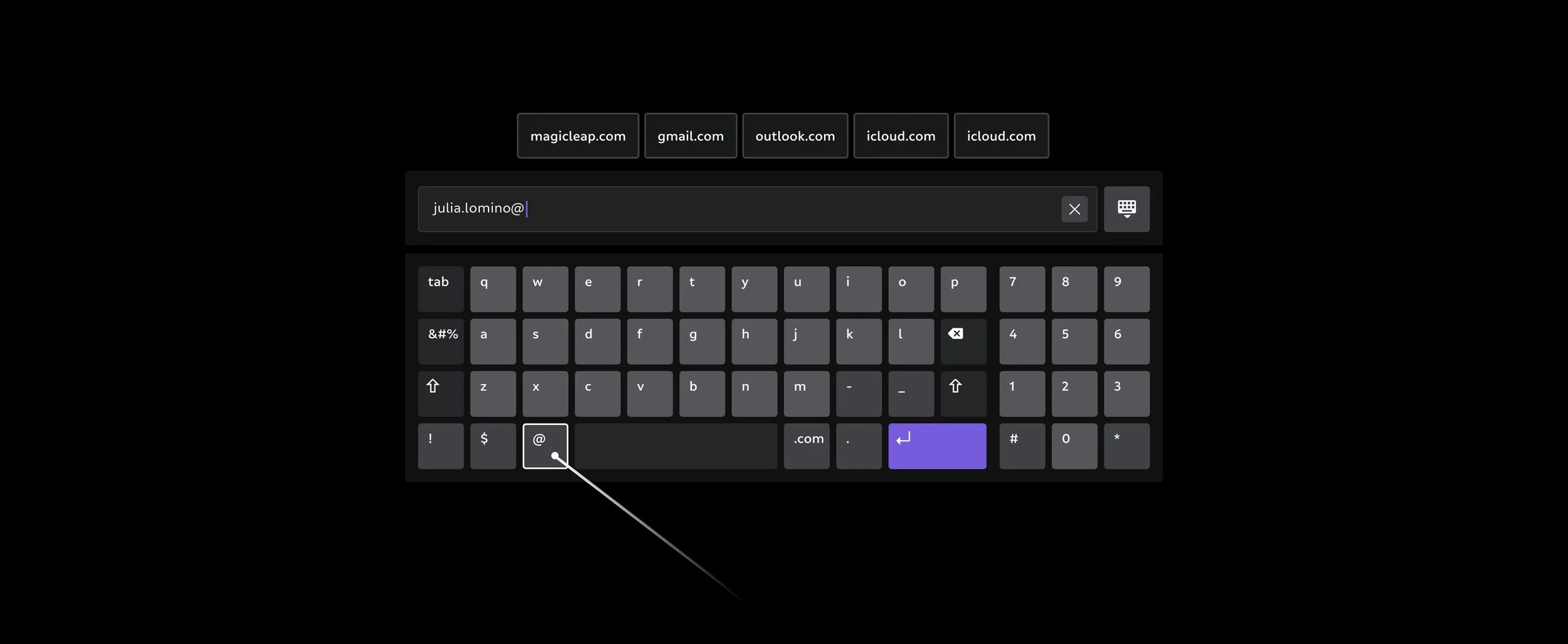
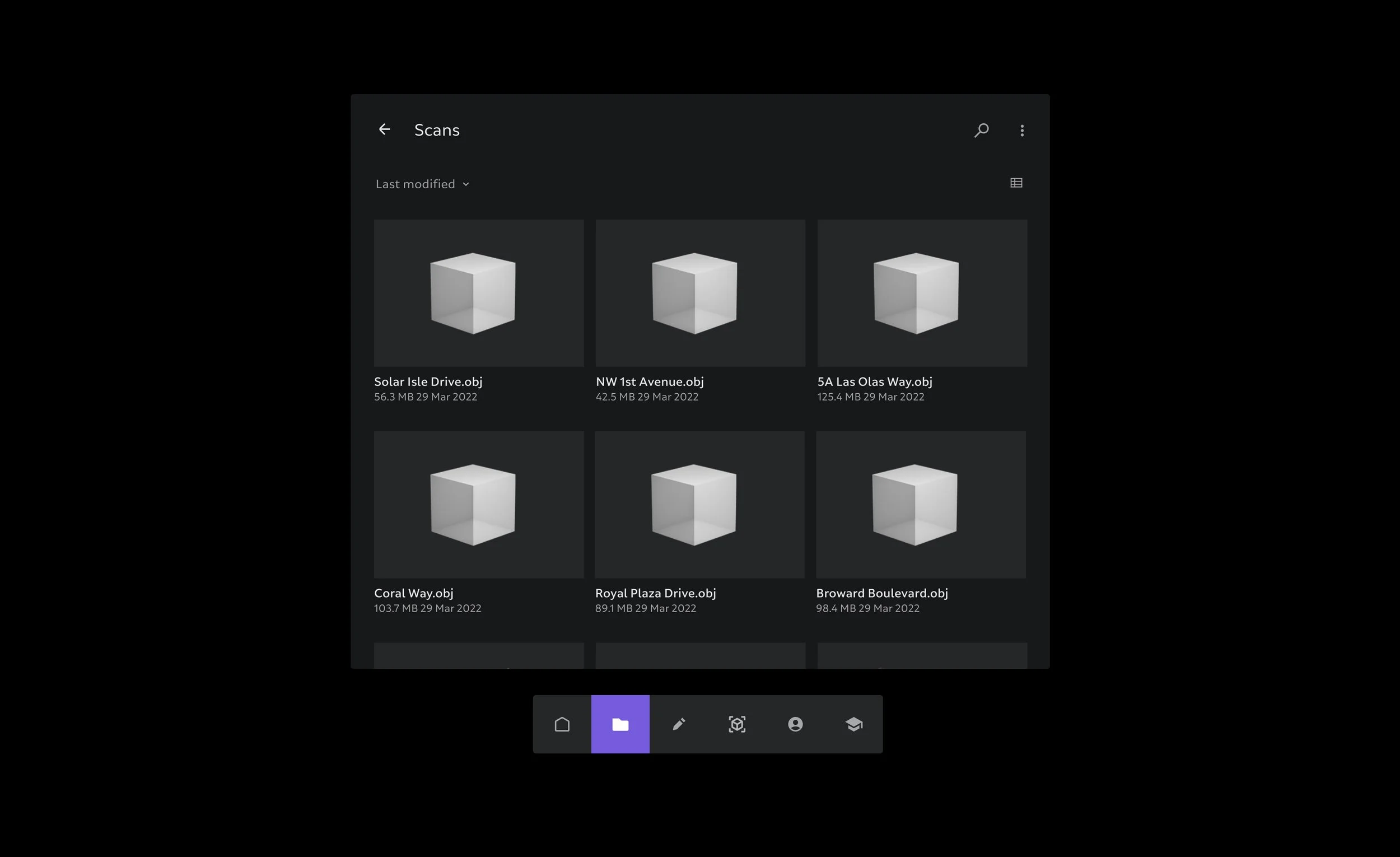
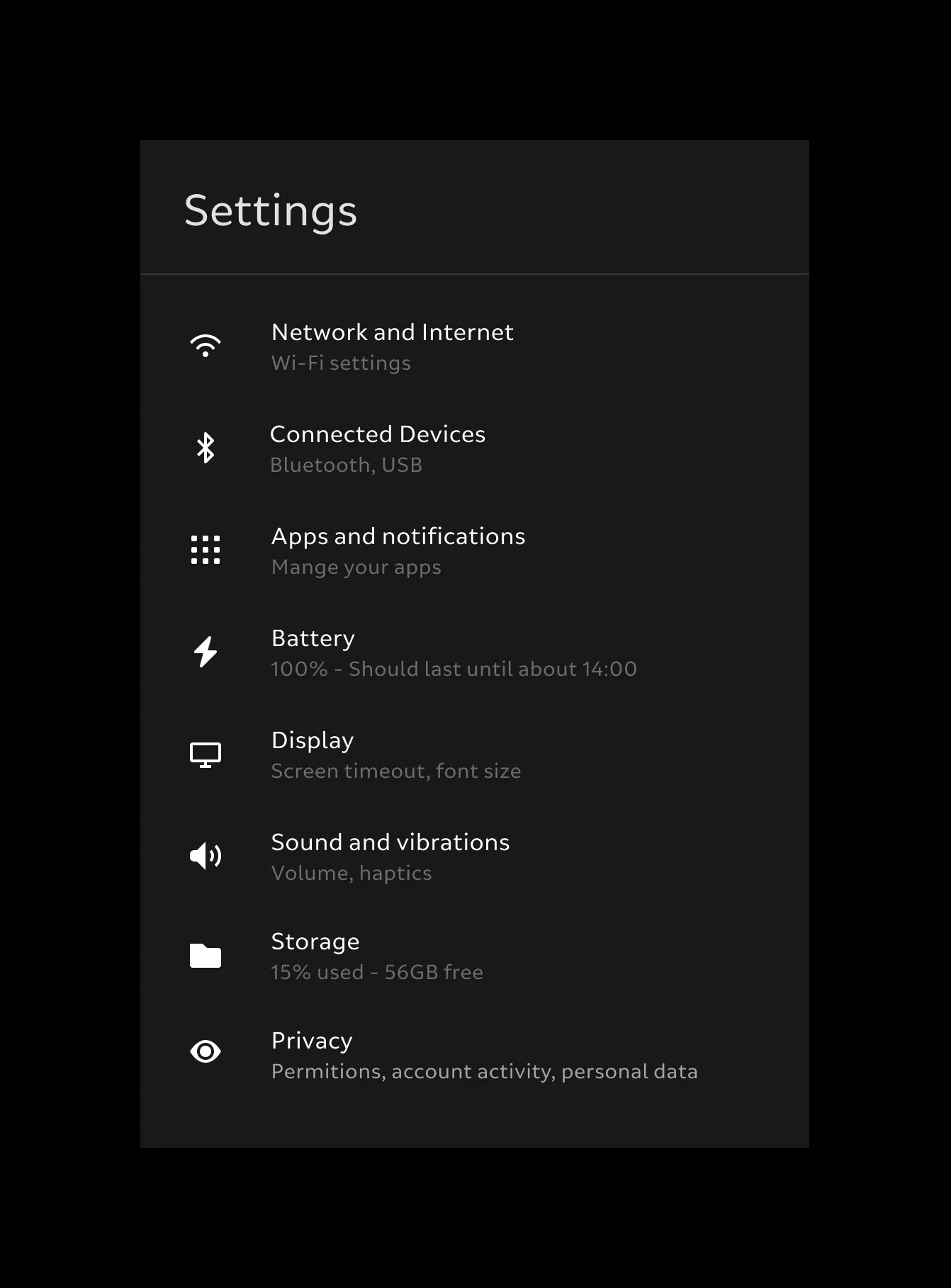
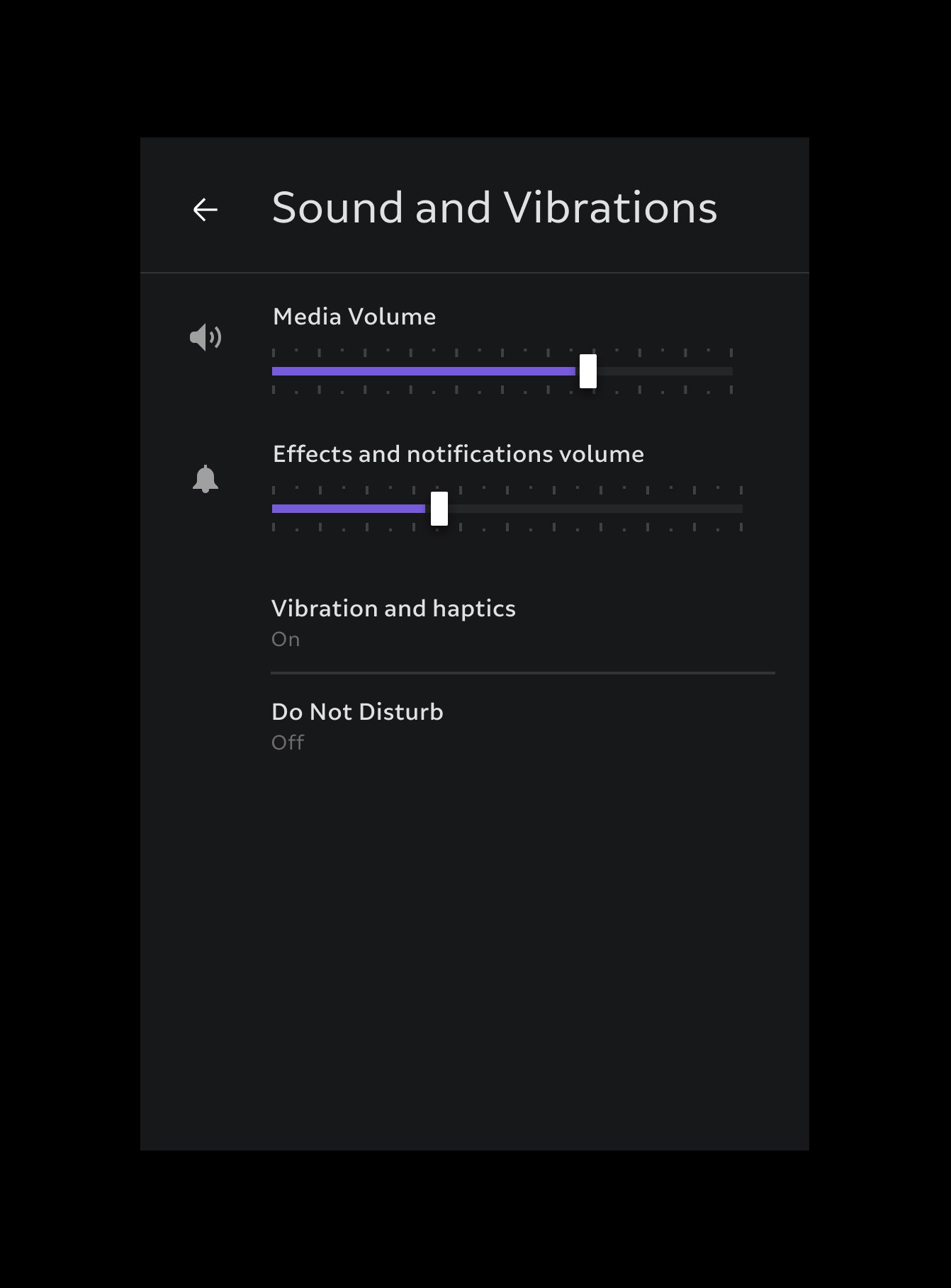
My work contributed to design and delivery of a multiplatform design system for the device spatial OS, bundled OS apps, AR Cloud web tools, desktop based Dev Tools
Overview
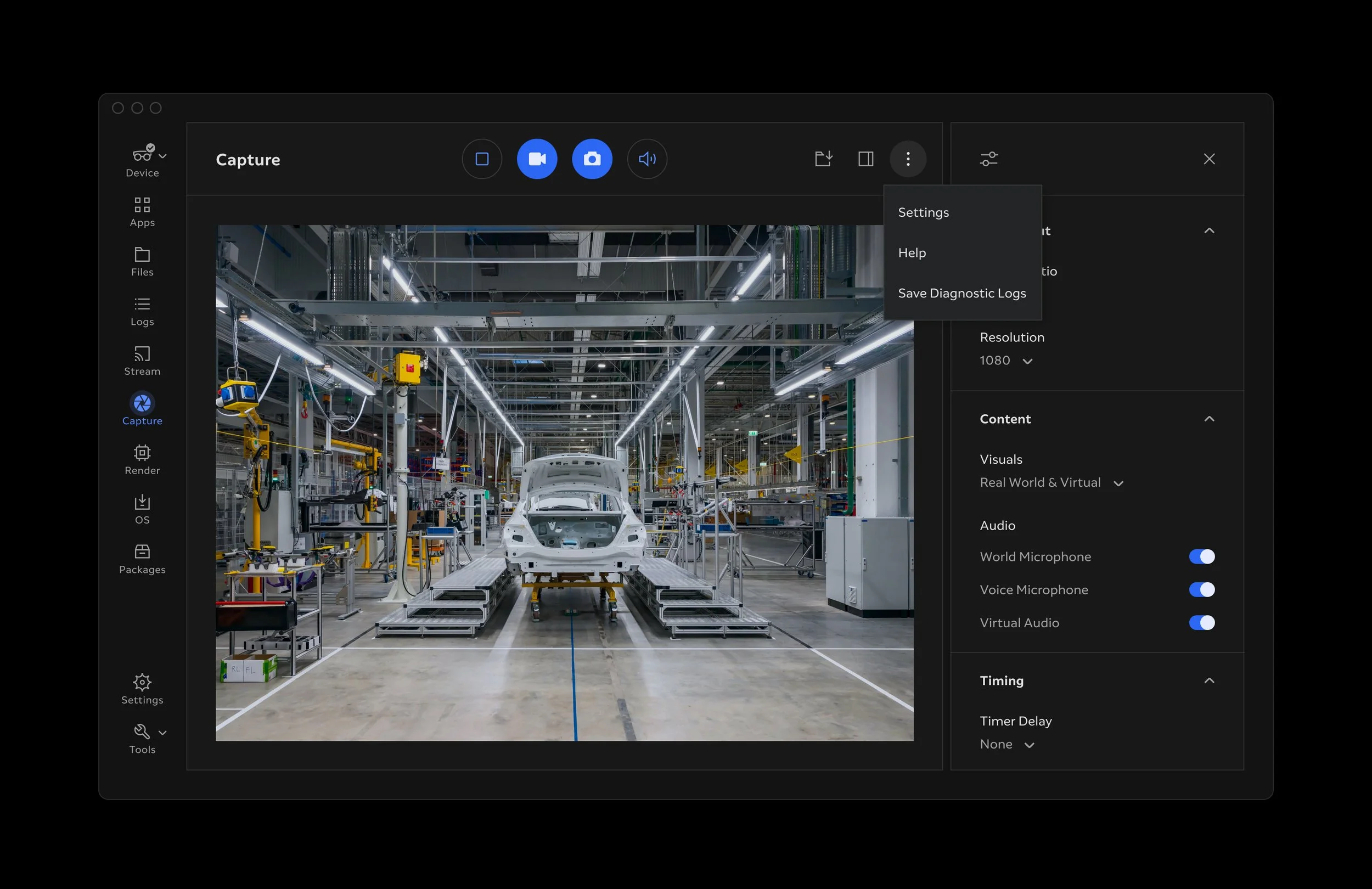
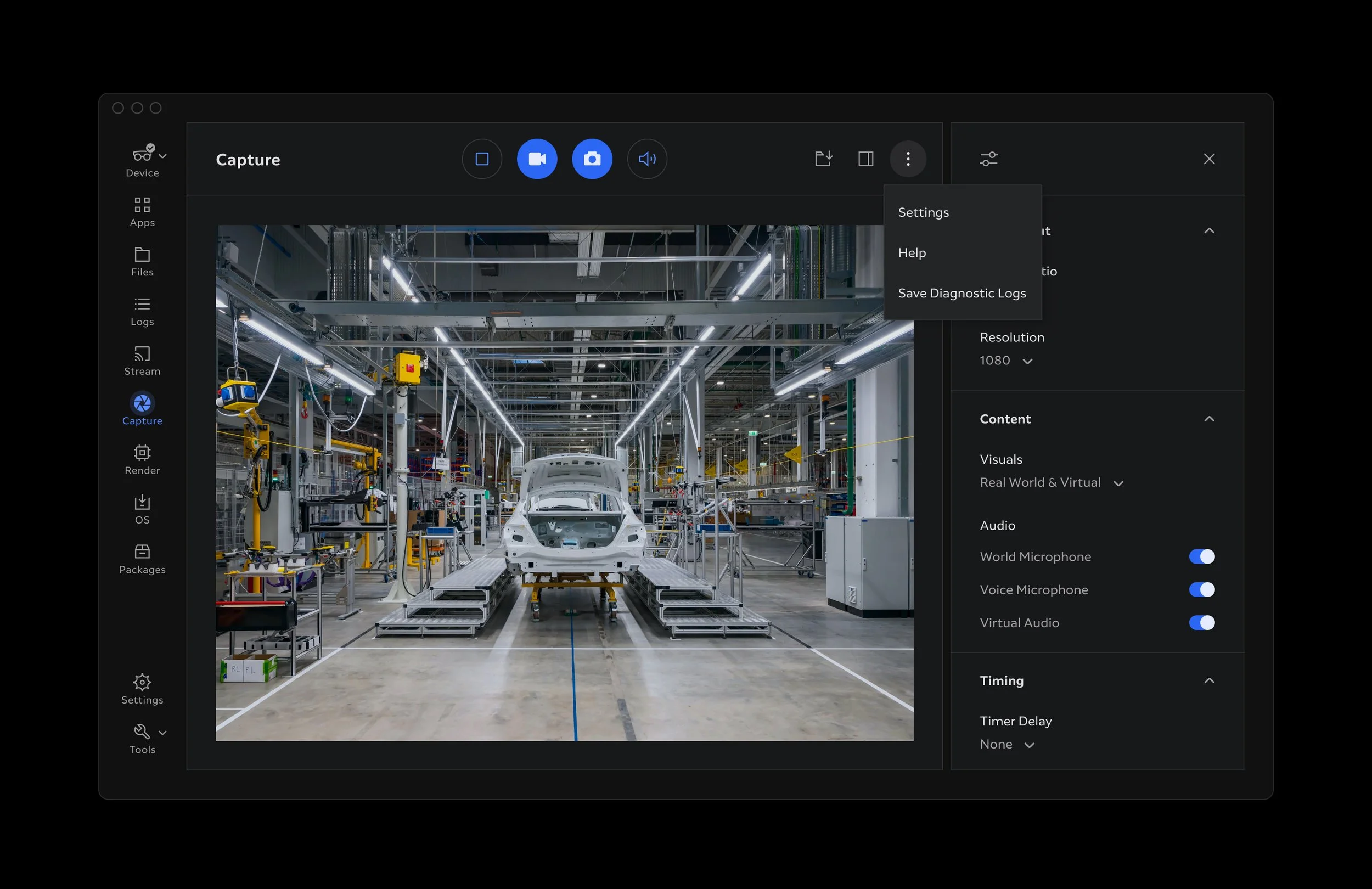
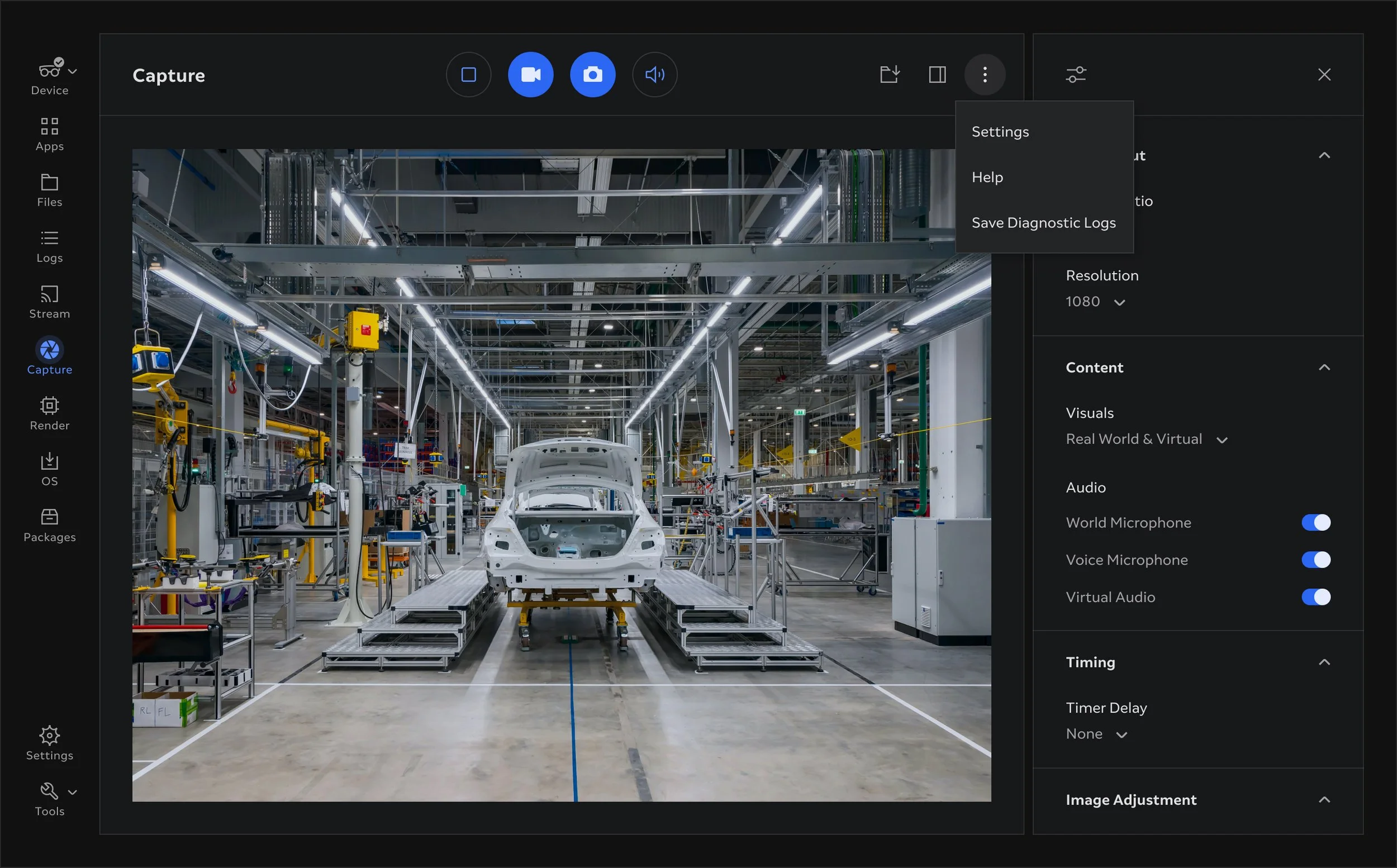
My main contribution at Magic Leap was to help create, maintain and evolve a family of design systems that would span the AR operating system, bundled apps, cloud service web interfaces and desktop based apps. This effort enabled the launch of the Magic Leap 2 device with focus on developer community and enterprise solutions.
I was also involved with localising the interfaces to Japanese and Arabic.
The system would have to span multiple platforms; AR operating system powering the headset, bundled AR apps, web apps and desktop developer tools.
Equaly important part of the design system was to define guidelines and rational for applying and evolving the system and destribute the guidelines in usable and efficient documentation for both designers and developers to reference.
Responsibilities
— End-to-end ownership of design system projects
— Extend brand expressions and styles for optimal user experience
— Craft reusable system modules
— Compile and maintain libraries of styles, components and patterns
— Prototype component interactions
— Define system guidelines
— Create and deliver system documentation
— Share knowledge and educate designers and developers
— Contribute to product design and strategic decisions
— Collaborate with product manages, researchers, designers and developers
— Collaborate with brand team
— Present solutions to stakeholders
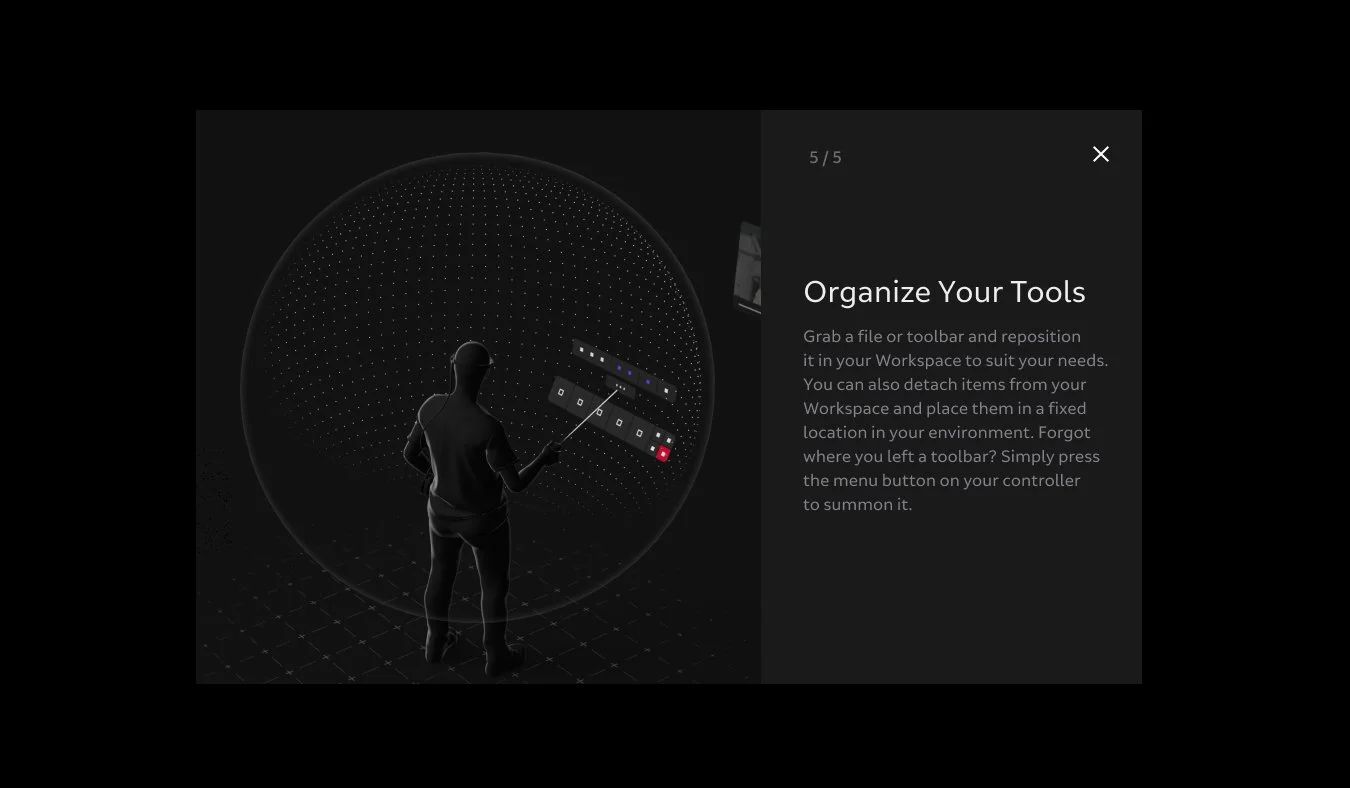
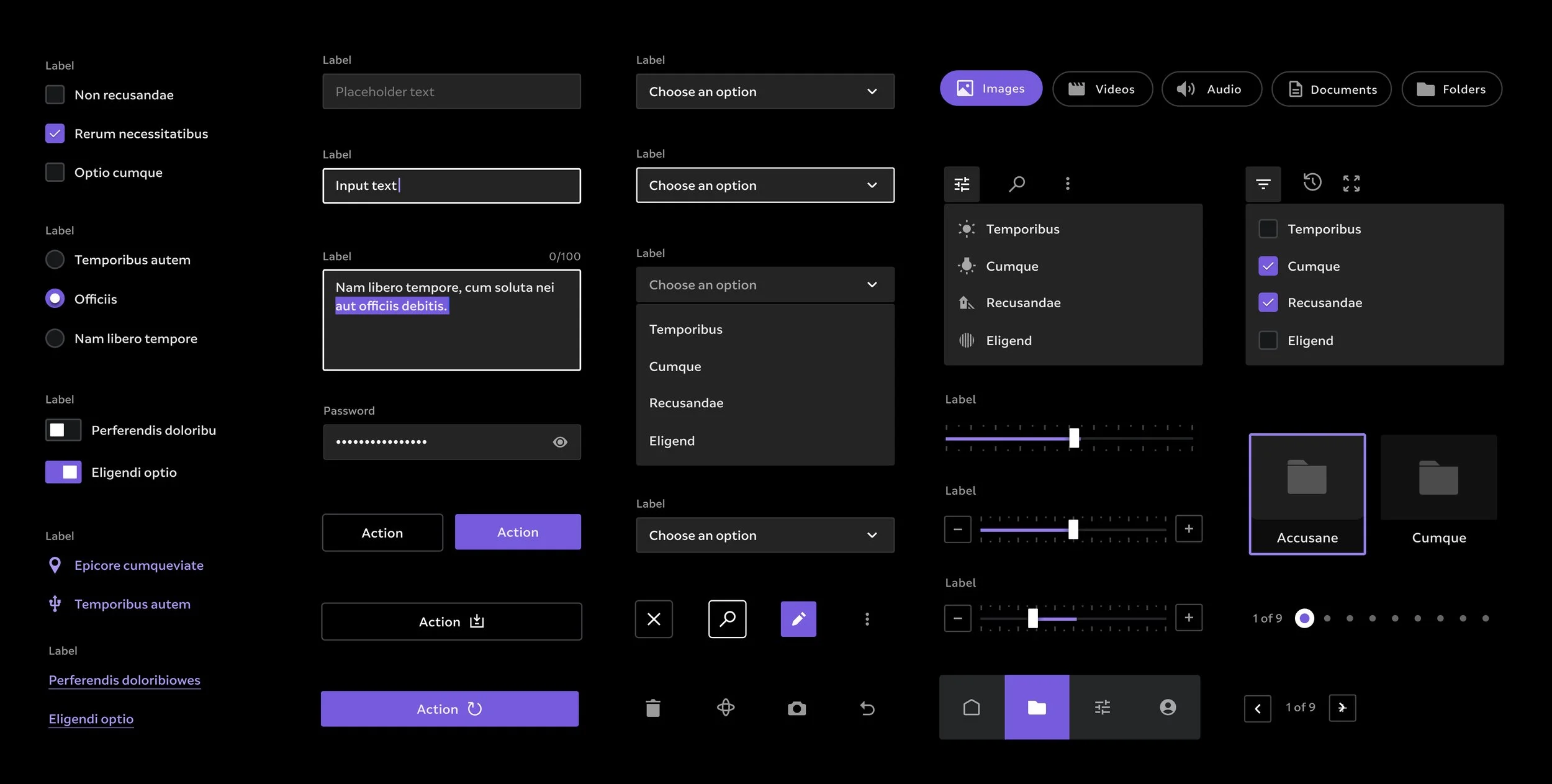
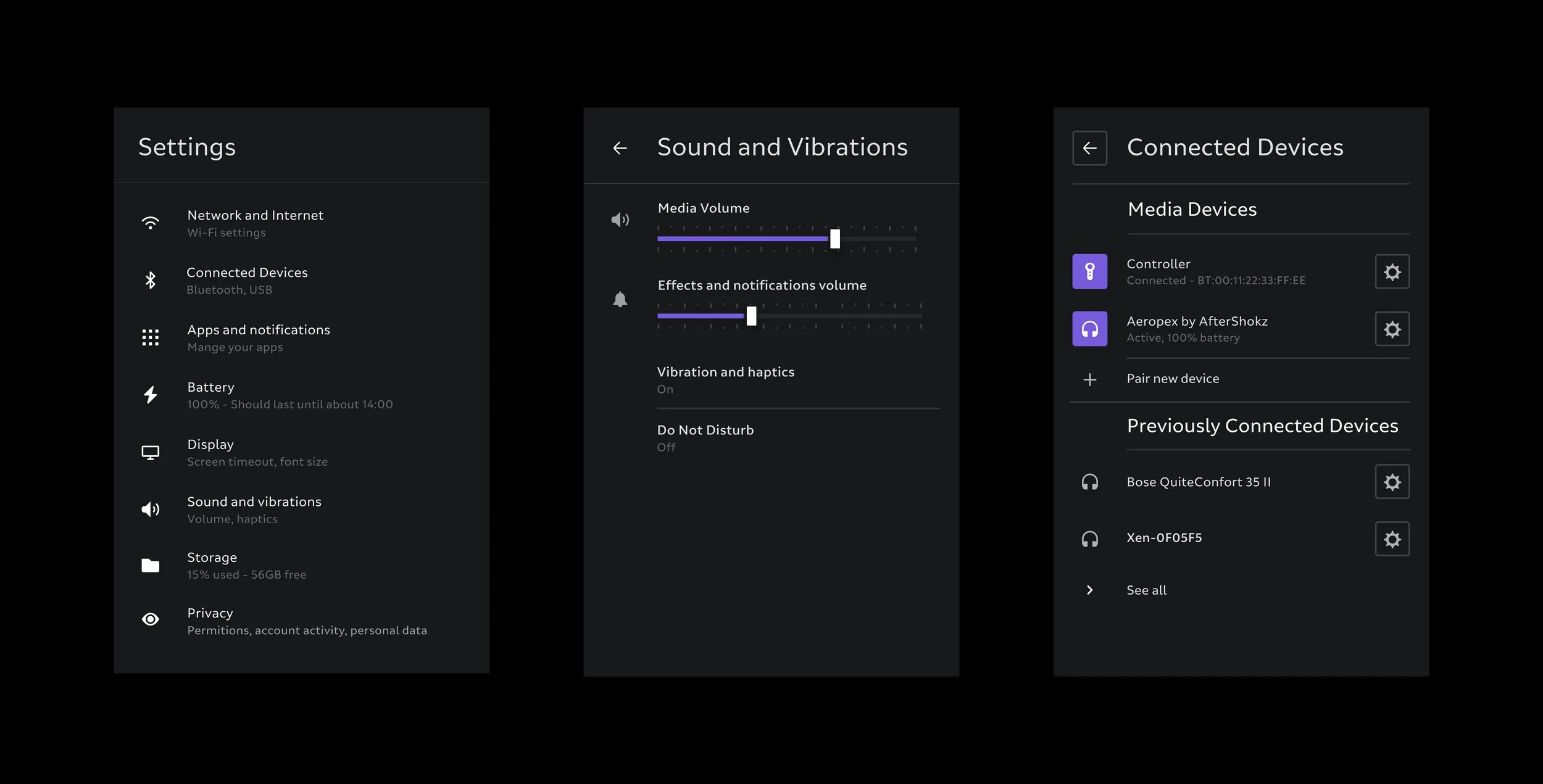
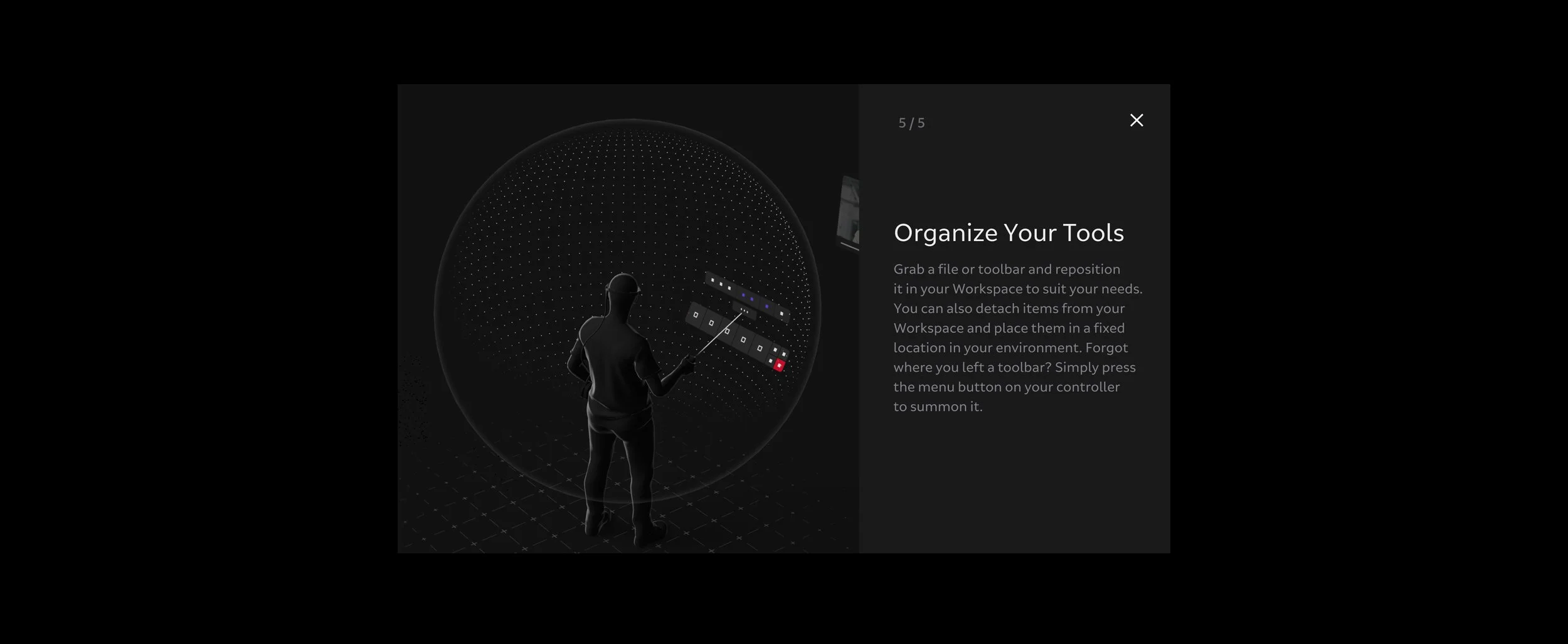
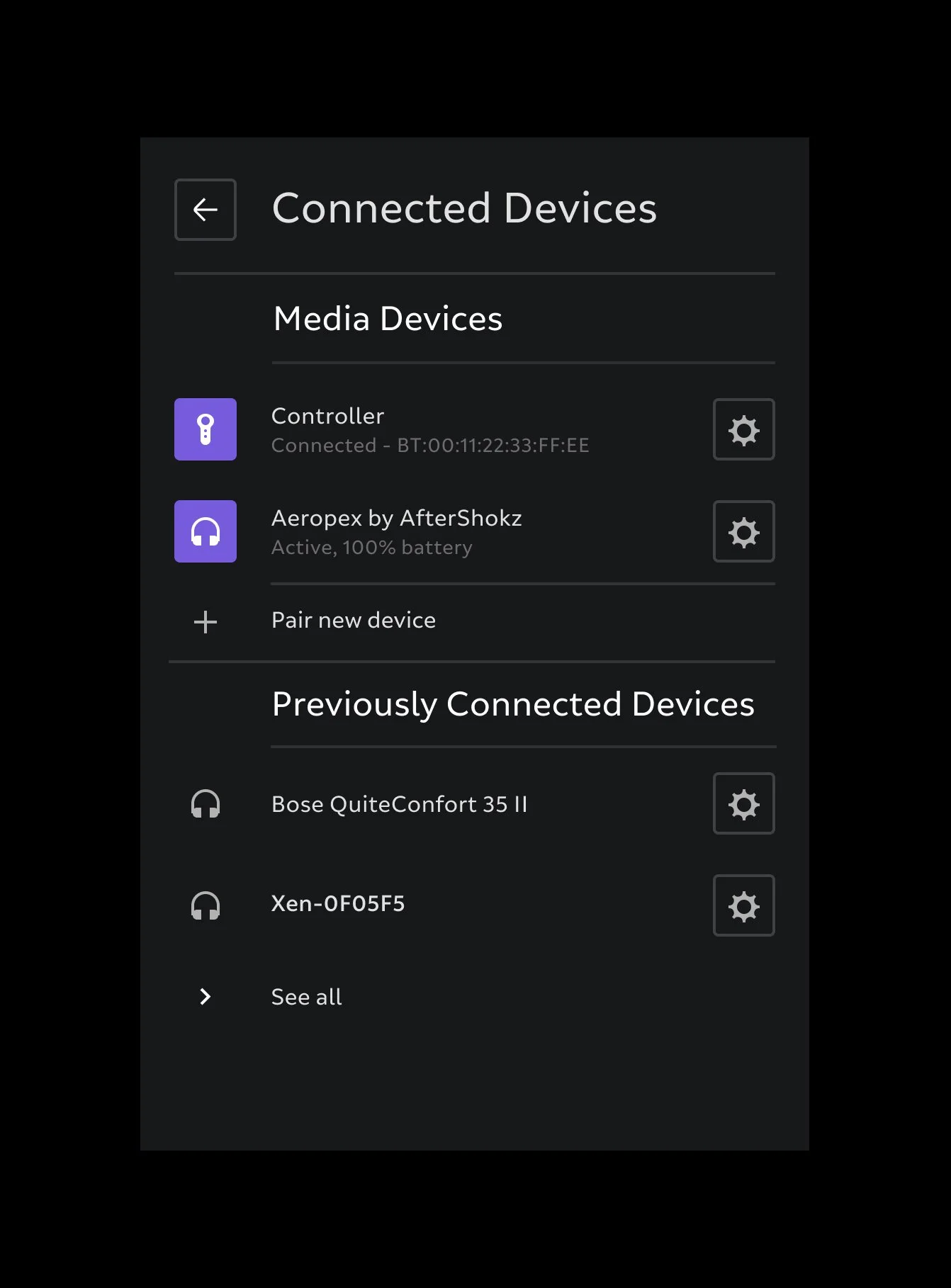
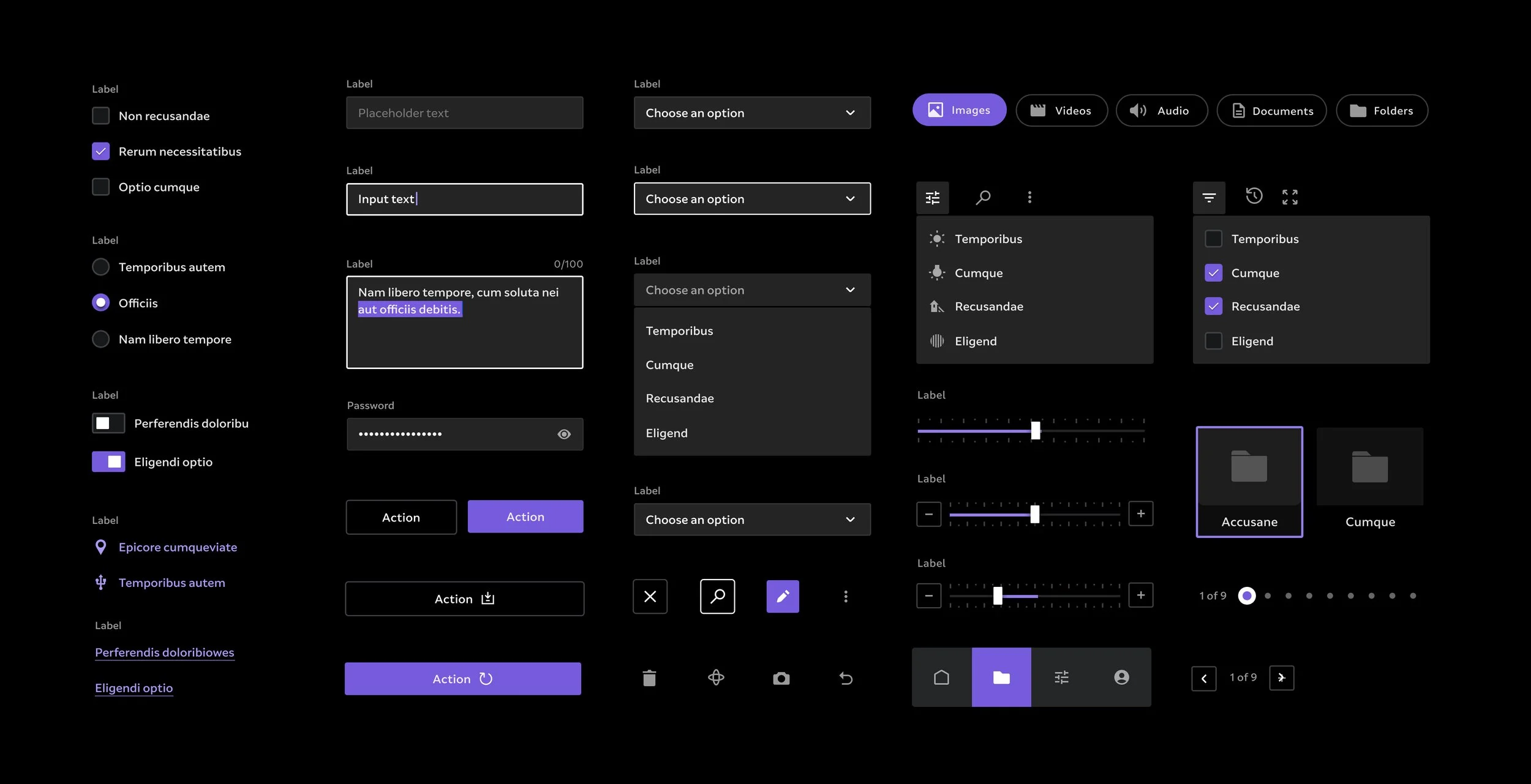
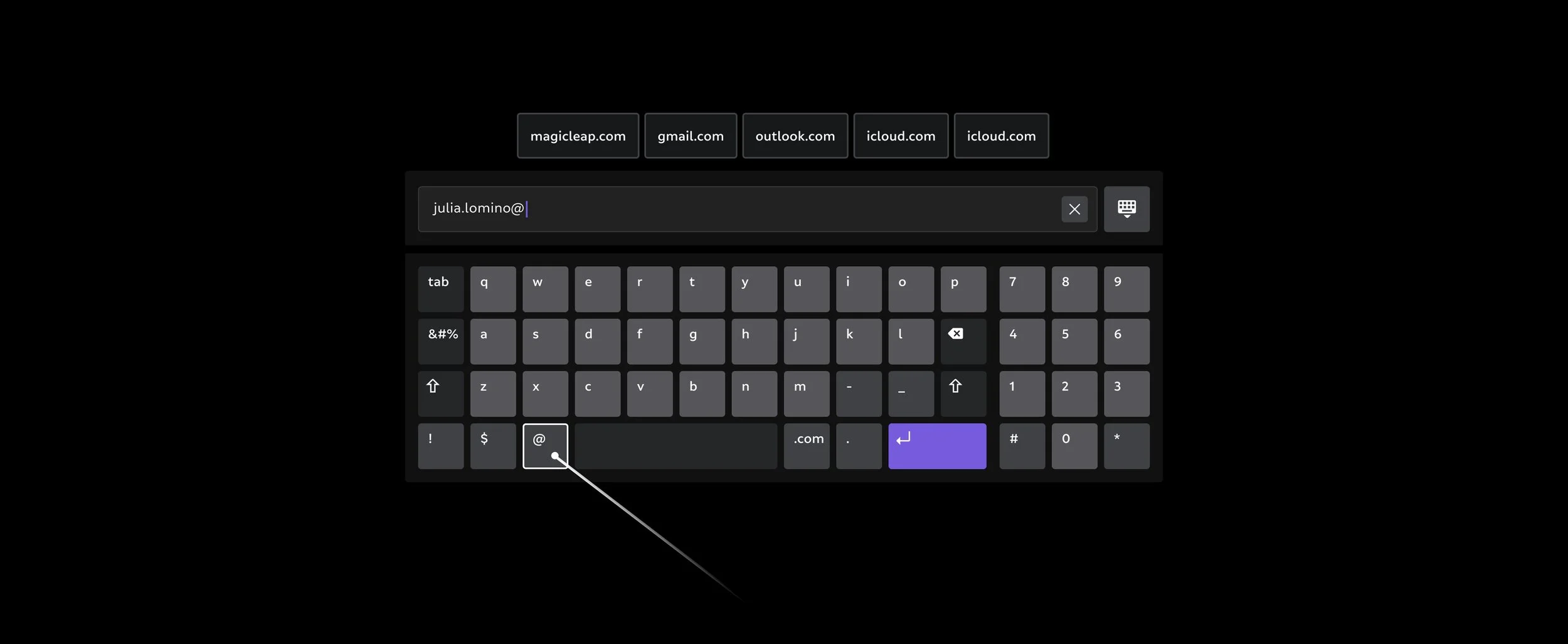
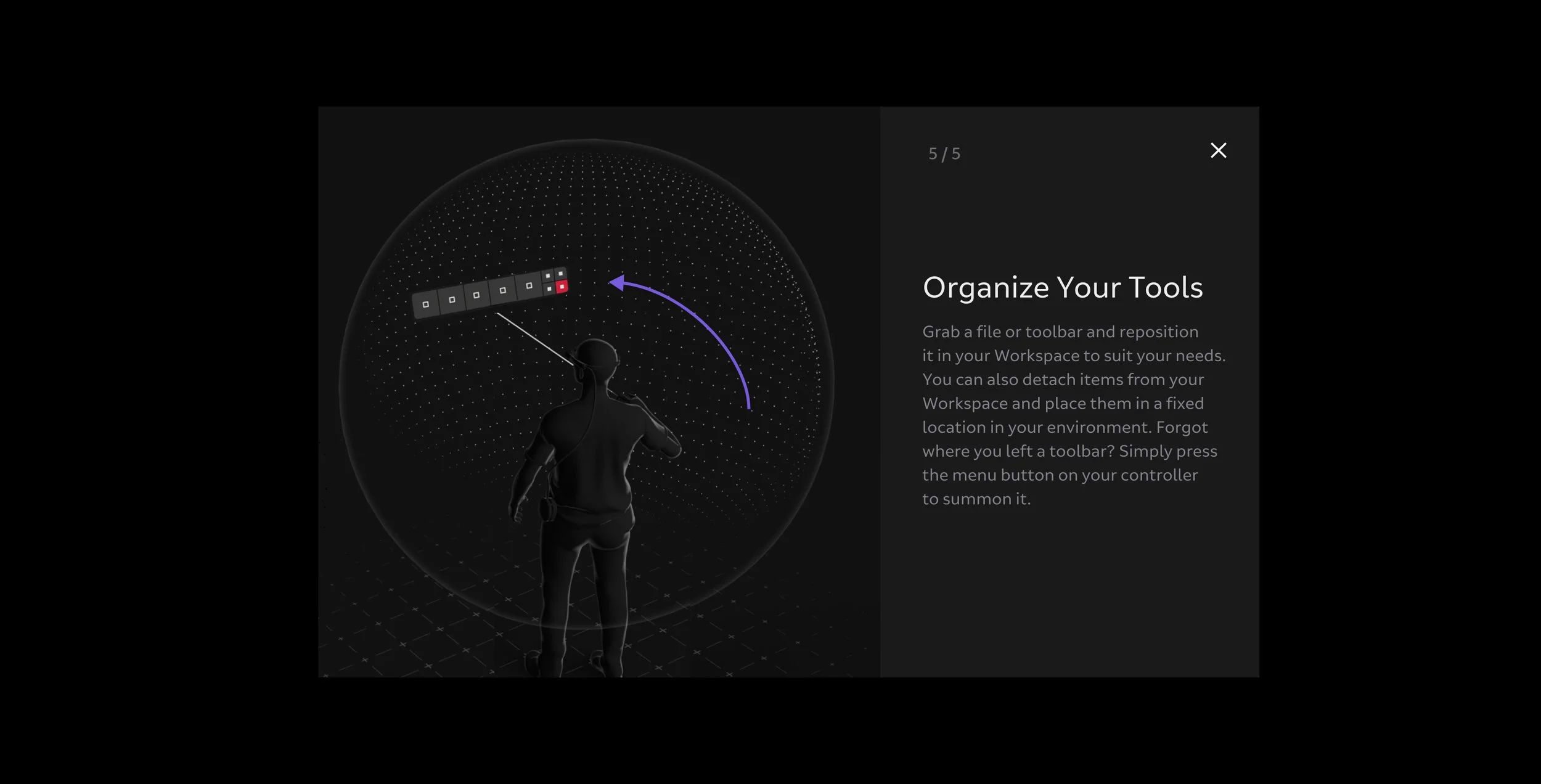
A Platfom For Innovation
A Design System consists of standards, guidelines and re-usable components that give every team the tools they need to design, build, grow and maintain digital products.
Establishing infrastructure
A Design System optimises your team’s operational processes by defining how they collaborate and feed into each other's work; systematising the approach to information distribution; and establishing clear rules of governance.
Setting up standards
We help you establish high-level principles that serve as the foundation of your Design System and provide direction from an early stage.
Building out assets
Reusable components reduce design-and-tech-debt and speed up production. By enabling teams to expand and improve componentized assets, the Design System frees up resources to do creative and innovative work, as well as creating more opportunities for collaboration.
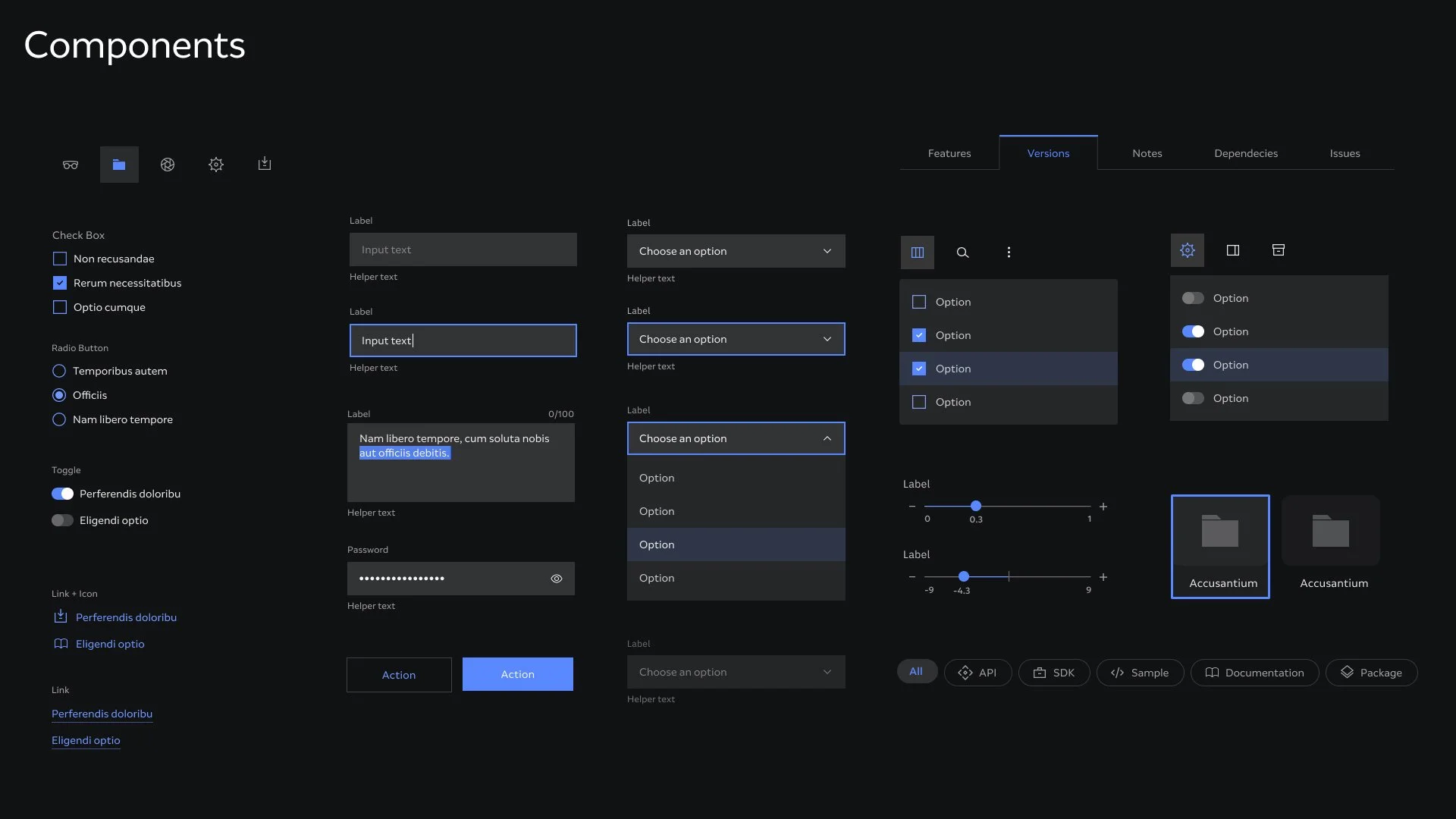
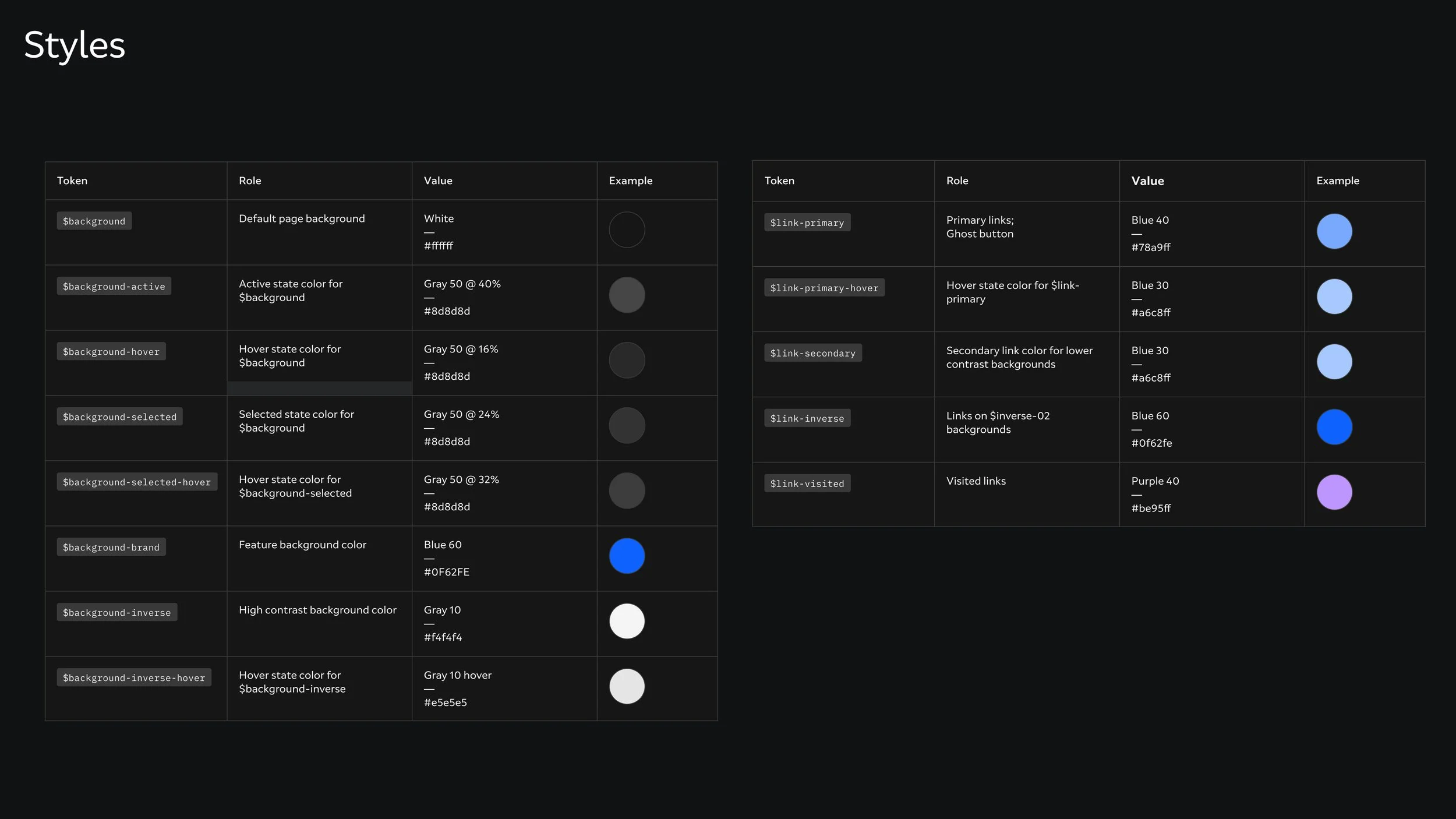
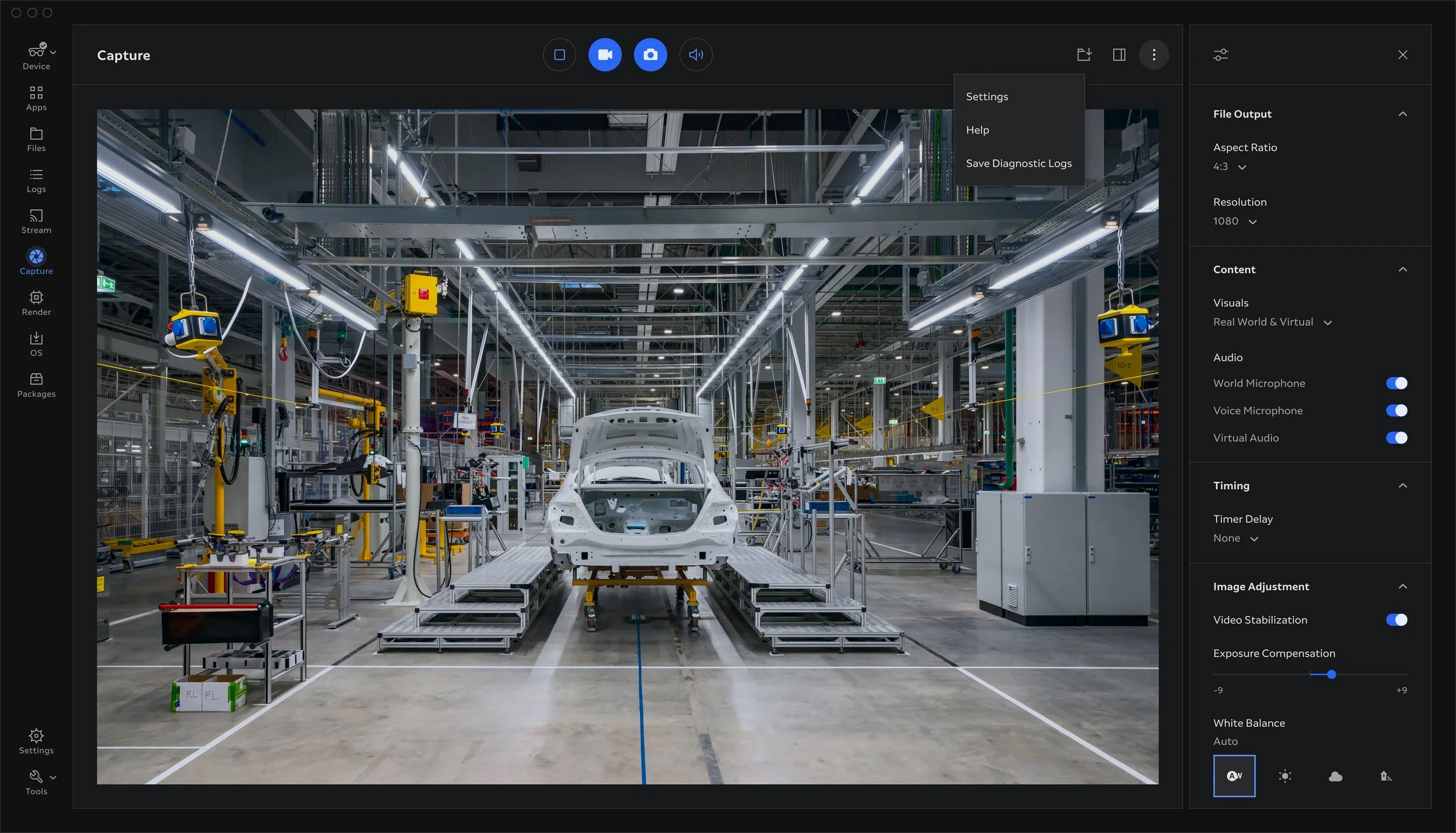
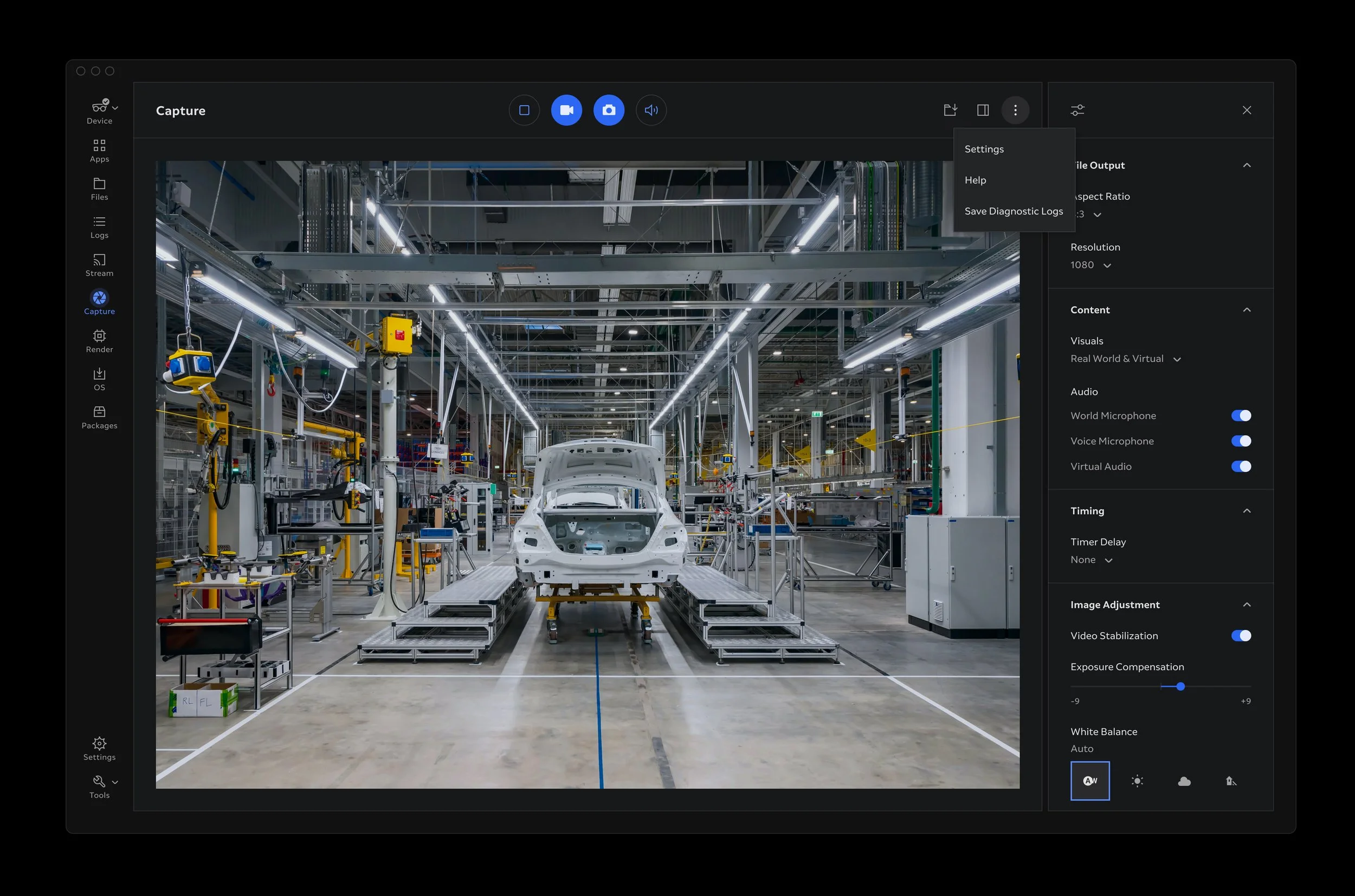
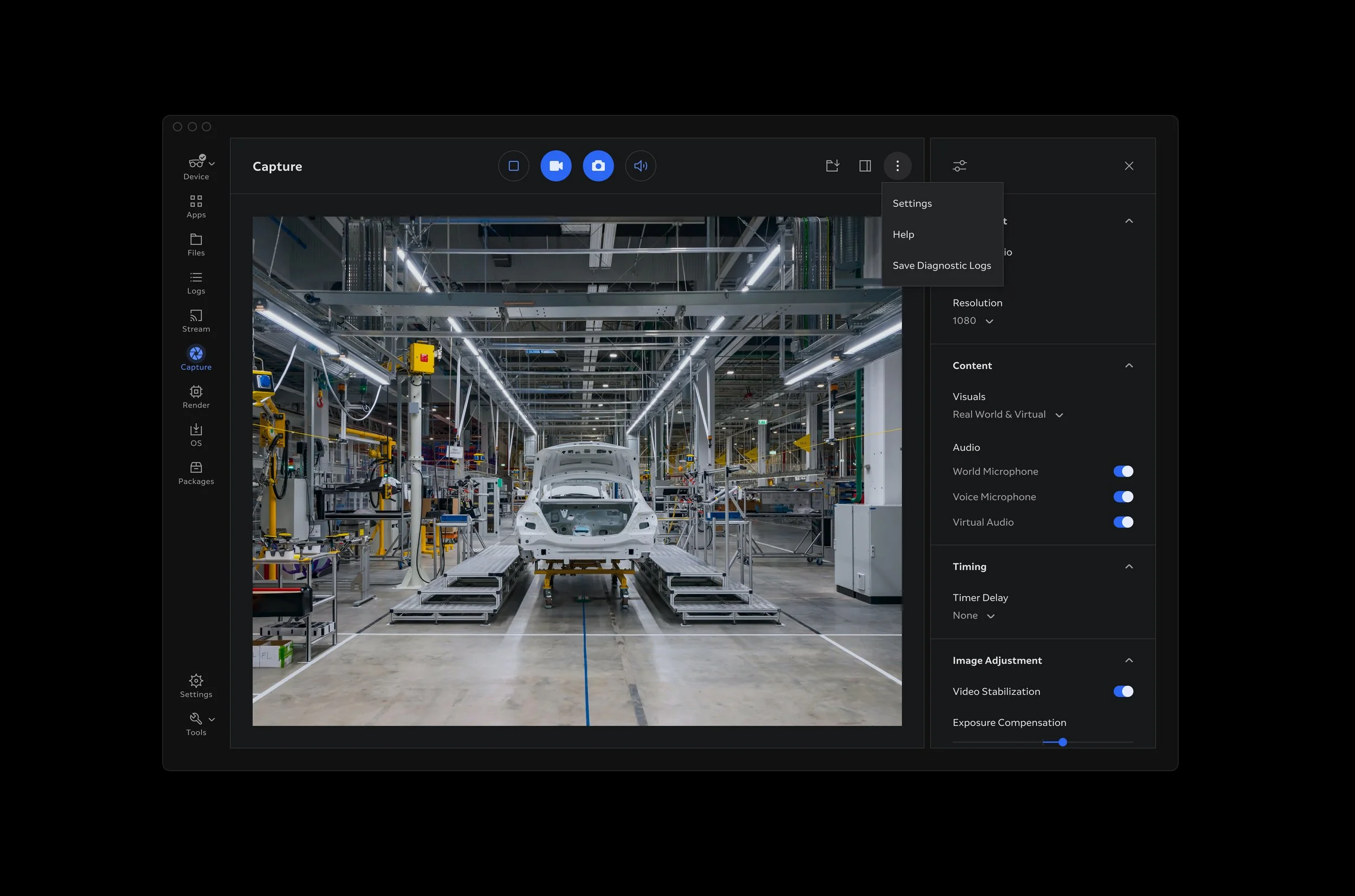
Empowering the design team and the experience of the product they create
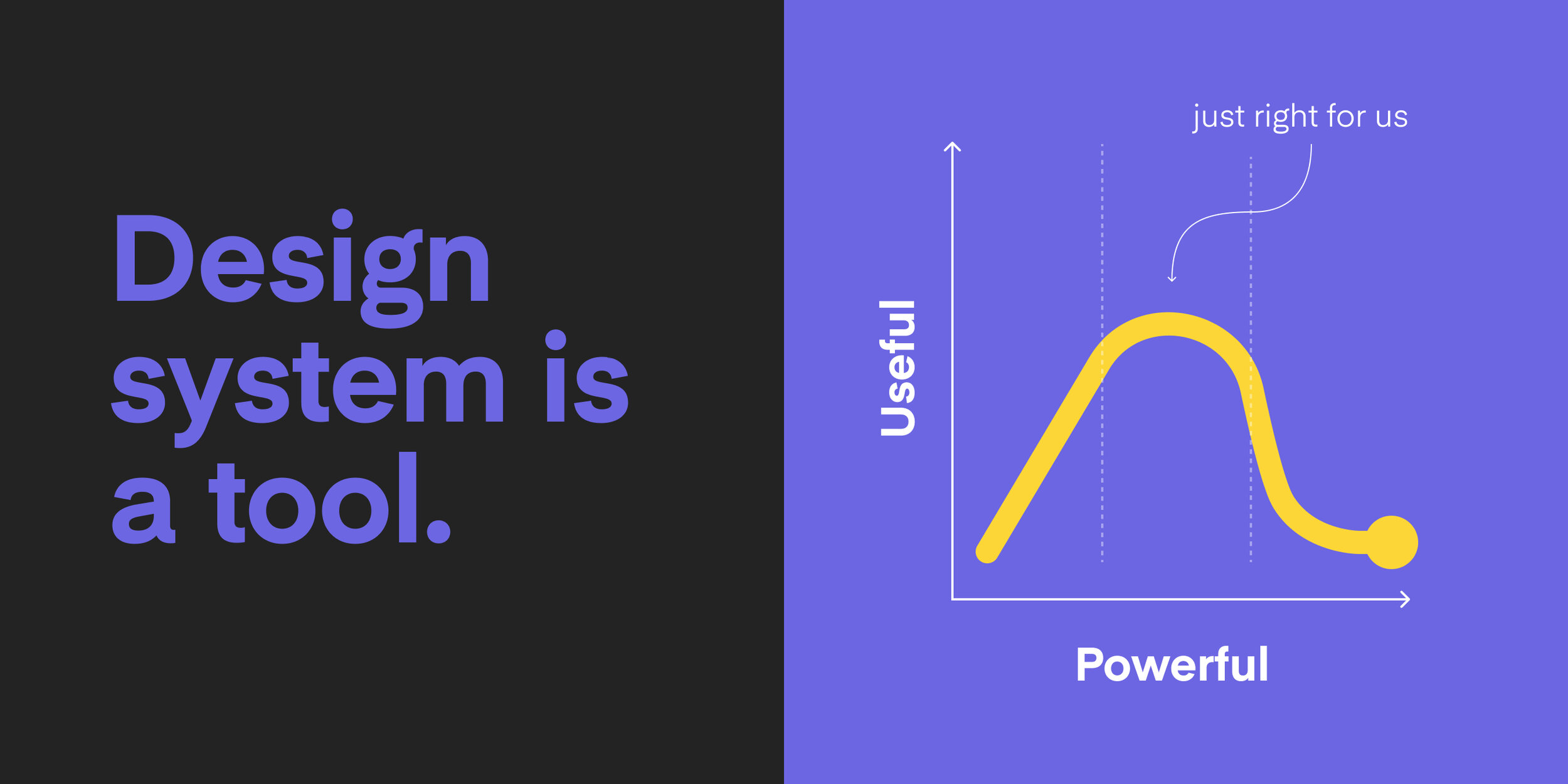
Human Centred System
While a design system is an enabler of a better end user experience I like to think about it as tool in its own right, with its own set of users and user related pain points, issues and mental models. The users of the design system tool are designers and developers. And they use it to create a better product experience.
So the design of a system has two interconnected nodes. The first node is the product user experience. The second node is the infrastructure of the system. It is obvious to use human centred design methods to design the product user experience. But the tried and tested user centred methods and processes could be used to design the system infrastructure too.
Bringing familiar approach to both nodes of the system creation and iteration has instant benefits. It yields high levels of collaboration across teams and avoids creating "design system overlord symptoms". Everyone can easily contribute solutions that move the platform forward.
Learn
— Conduct existing product interface audit
— Map current design and development process
— Jobs-To-Be-Done analysts of design workflow
— Interview users; the designers and developers
— Find common ground in workshops
— Research and share industry best practices
Define
— Workshop design system priorities
— Agree contribution model
— Refresh design and development process
Explore
— Devise system architecture
— Explore coherent application of UI styles, type, colour
— Craft component variants and states
— Unify common interaction patterns
— Test high-fidelity micro-interactions prototypes
Refine
— Trial proposed solutions on a small scale
— Compile Figma components and style libraries
— Make adjustments based on feedback
Publish
— Publish libraries and documentation
— Export assets
— Support implementation
— Guide and educate
— Respond to feedback
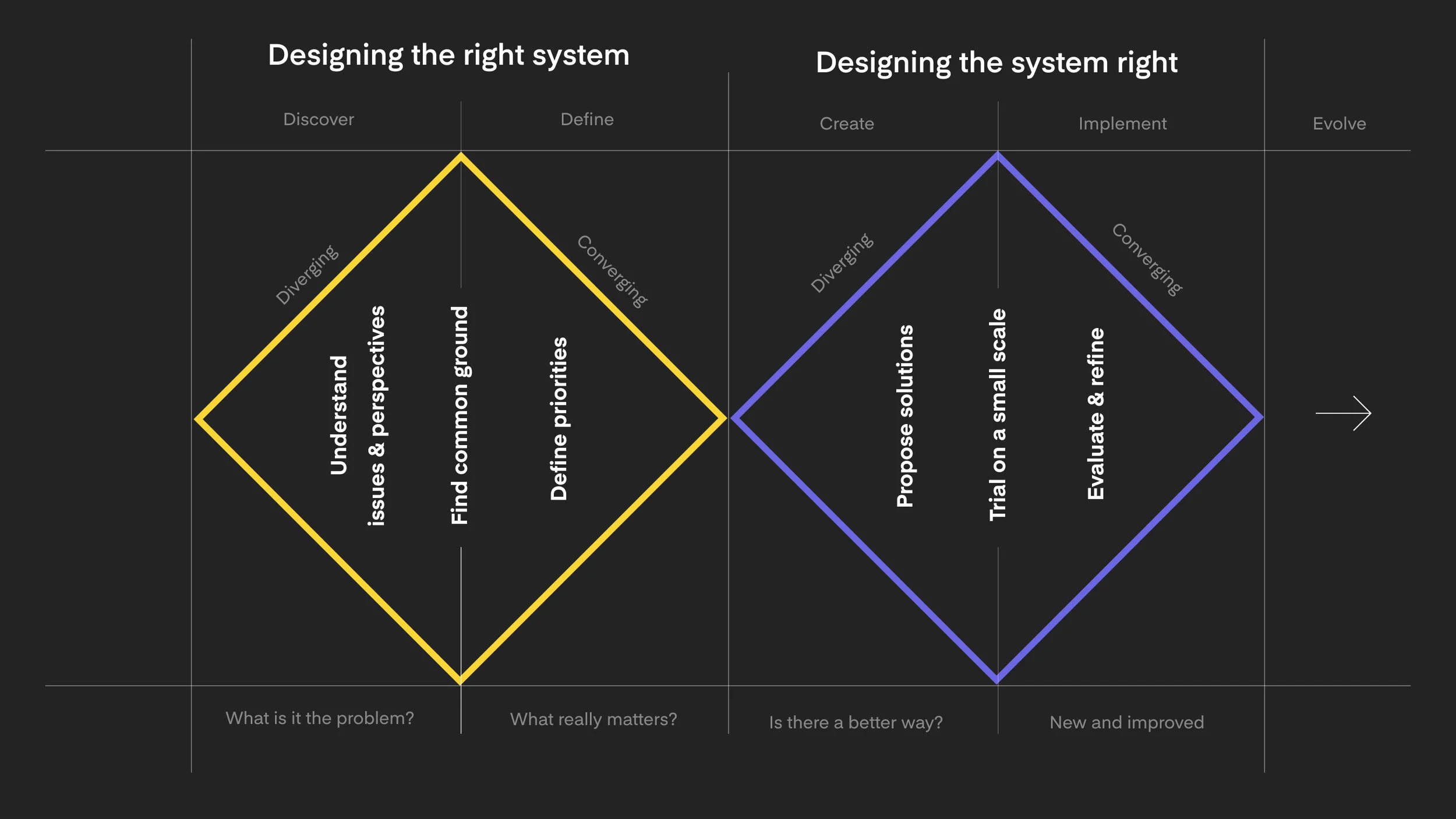
Designing the right system
Understanding the landscape
To design and evolve the system it is essential to establish good understanding of the state of the design and development ecosystem. We conducted periodic UI inventory for each design and development cycle. This helped us to uncover any inconsistency and evaluate relevance of the existing solution.
It was also important to understand the current system infrastructure. Mapping out workflows, tools, designers and developers needs and wants helps to suffice any points of friction or outdated practices that hold the teams back.
Finding common ground
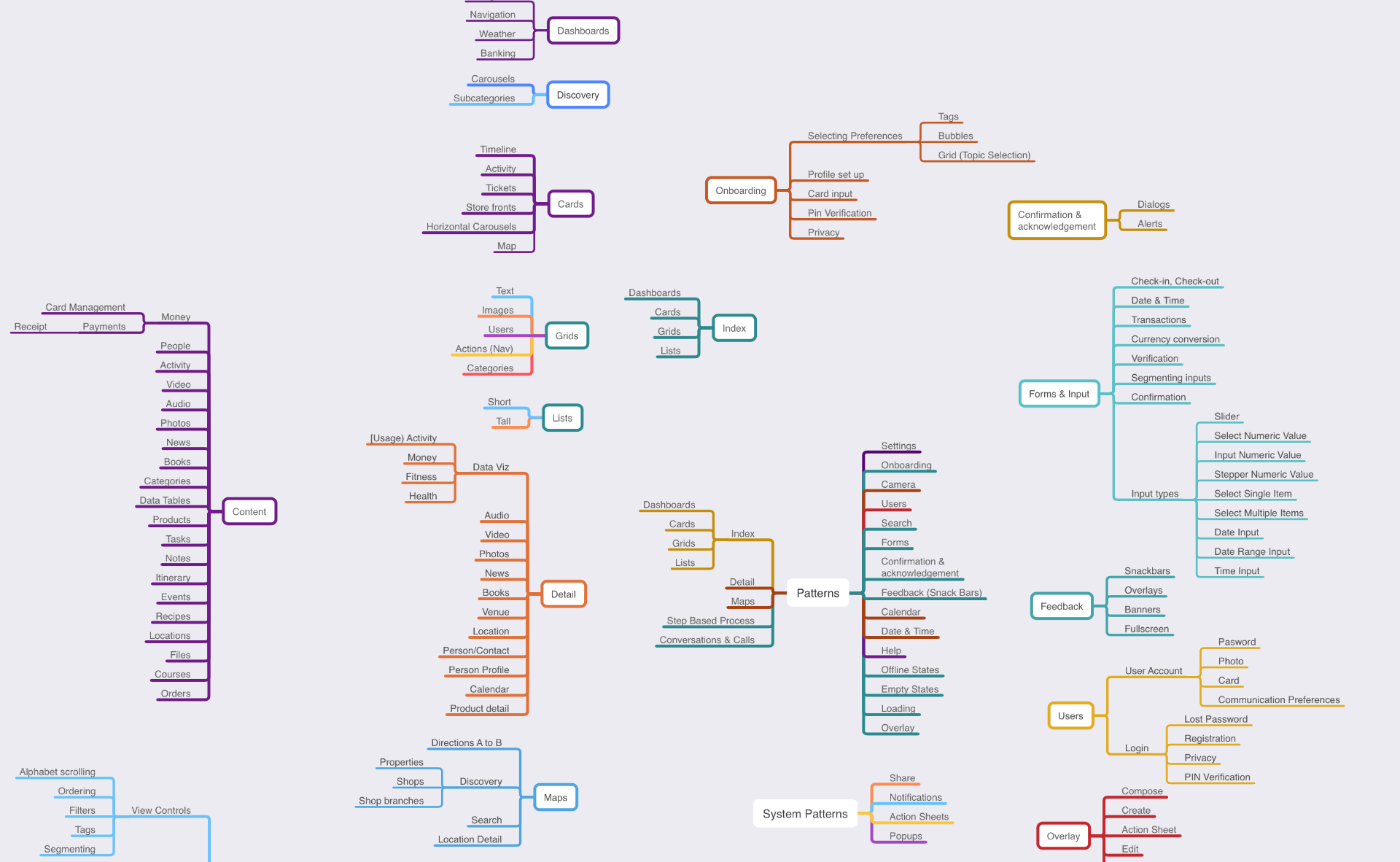
We conducted regular collaborative workshops with designers and developers from across the product teams, aiming to capture wide spectrum of viewpoints and expectations. We assessed the overall all state of the platform and how it responded to users’ needs and expectations as well as business short term and long term goals.
Using Jobs-To-Be-Done framework we deconstructed the whole product design process to distinct stages. Next we identified pain-point in the current approach. Then we looked for ways how design system might drive improvements at every stage.
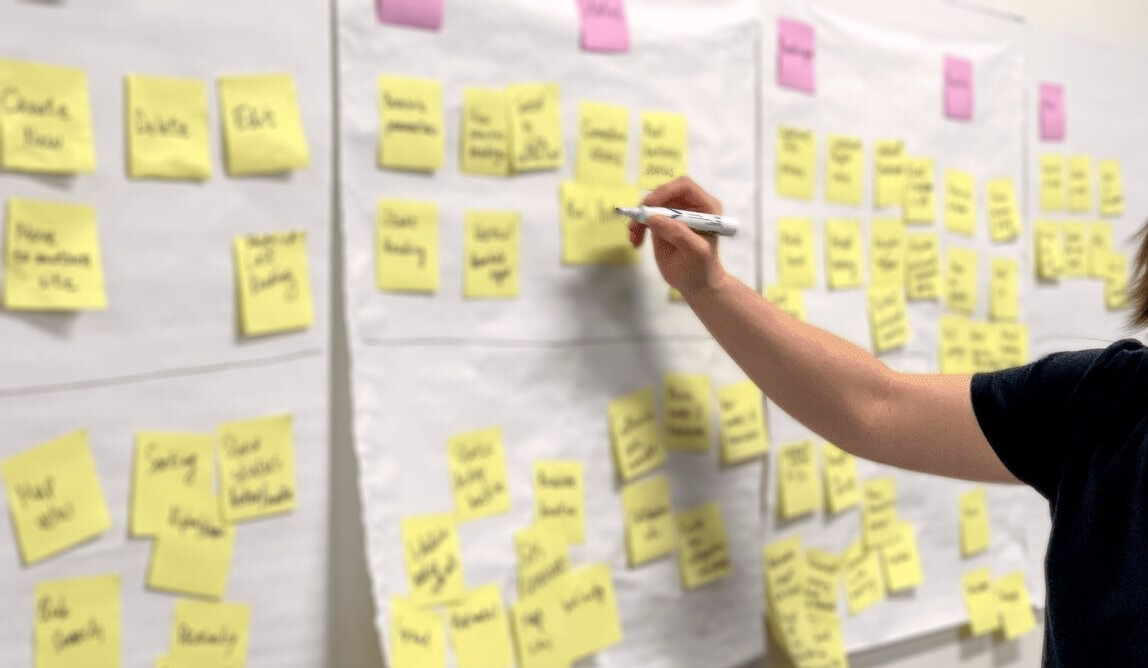
Setting Priorities
By identifying common themes and collaboratively consolidating discrepancies, we were able to formulate a set of goals for the project. These goals captured shared criteria for quality and success that worked not only for the design and engineering teams, but rather the whole business.
Unity
The system connects all products and all platforms under one unified whole with consistent look, interactions and design patterns. Each element should contribute positively to the system at scale. There should be no isolated treatments or outliers.
Collaboration
The system is a shared language and for this to work everyone has to be able to participate.
Efficiecy
Using the system should be the easiest and least effort requiring option for both designers and developers. This way we prevent reinvention of solutions that already exist and boost teams productivity.
Scalability
This system must be able to welcome incoming innovations without disrupting the existing experiences that feel familiar to our users.
Feasibility
The creation of the system has to fit in our already busy roadmap and should not slow progress of any product development. The effort to create and maintain need to be sustainable over long term.
All proposed solutions and subsequent decisions would be benchmarked against these goals.
Deciding Contribution Model
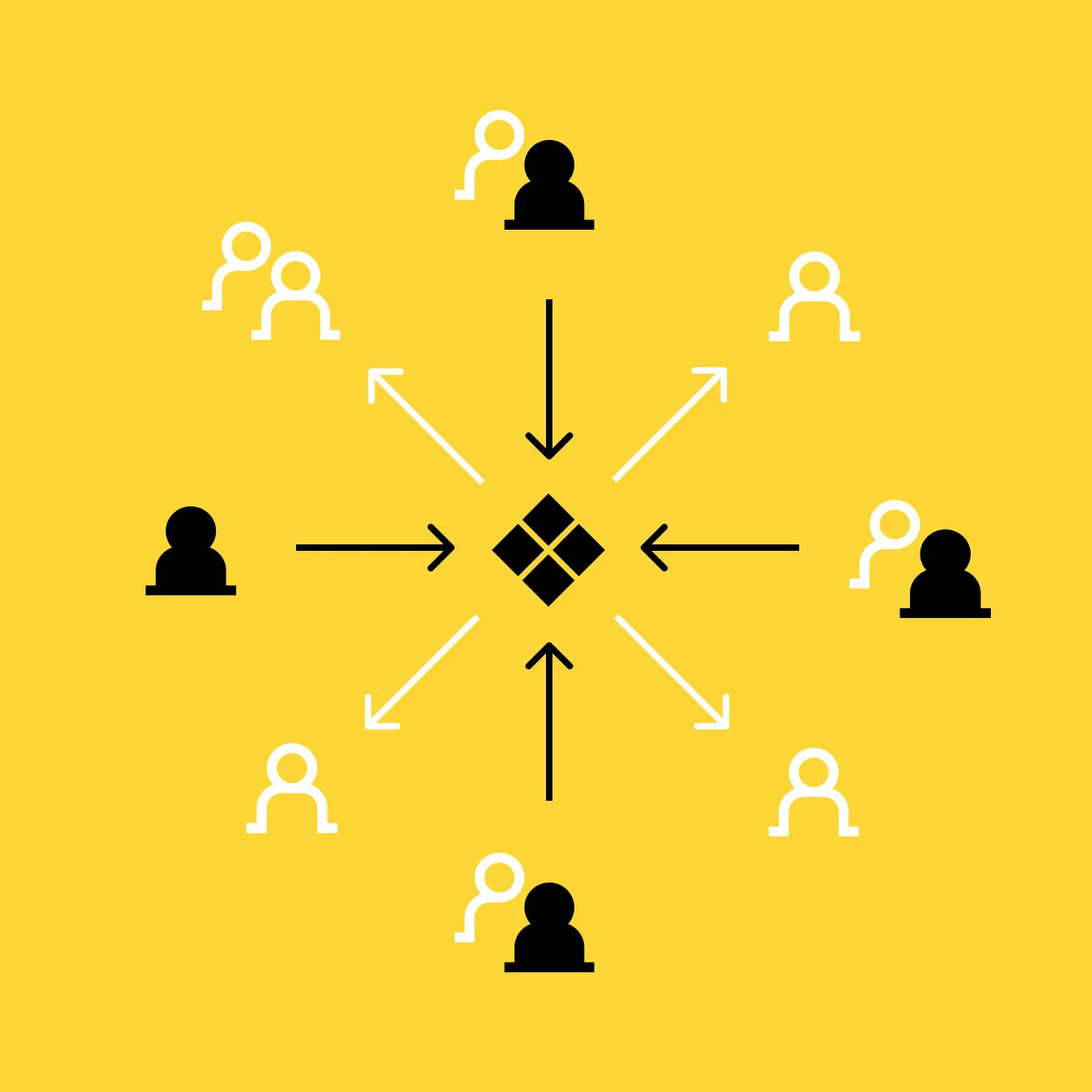
It was important all product teams are well represented in the design system project. We chose to adopt so called “federated model” of ownership as coined by design systems veteran Nathan Curtis.
It meant that designated representatives from various product teams assembled to create and manage the system. This ensured fast input and feedback loop from across the teams while keeping governance responsibilities clearly defined .
Designing the system right
Constructing The System Architecture
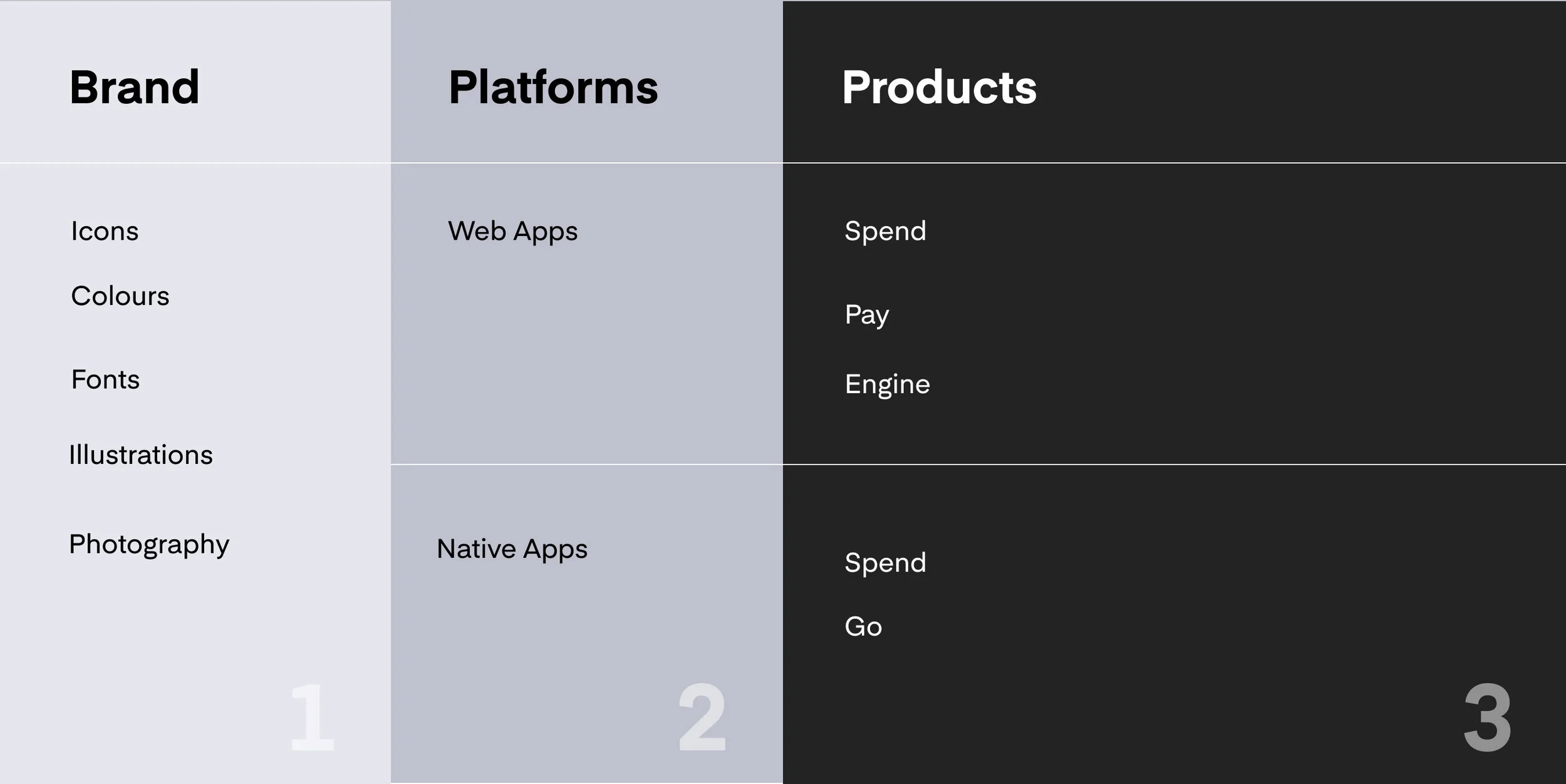
I proposed the architecture of the design system was split in to three different levels - brand level, platform level and product level. The split levels would ensure better visibility of the shared parts and simplify file management.
Foundations Level
At the oundations level were assets such as colours, icons, illustrations and graphics. A single Figma file would be used to distribute and mange foundations assets for all products.
Platform Level
The platform level was split between two Figma libraries. One for responsive web app components and the other dedicated to shared native mobile components. Keeping platform level components separate from individual product flow aided visibility and management of the shared assets.
App Level
The individual product screens and flows lived on the third level. Using Figma linked libraries we were able to synchronise the three levels seamlessly.
Connecting Brand and User Experience
Strong Family Resemblance
Brand is expressed in marketing Instead of rigid consistency and standards we aimed for family resemblance approach in order to unify the multiple platforms and apps ecosystem. This tolerance of a degree of divergence between AR, web and desktop interfaces helped us to better optimise the experience for each platfom.
Effective Visual Hierarchy
In order to create effective user interfaces for any platform, it is most essential to establish clear hierarchy and relationships among visual elements. This requires delicate fine-tuning of the interplay between the core elements, type, colours, icons, shapes and spacing. This needs to be further adjusted specifically for each medium or platform (AR apps, web apps, desktop apps).
Testing UI Elements
Mapping component families
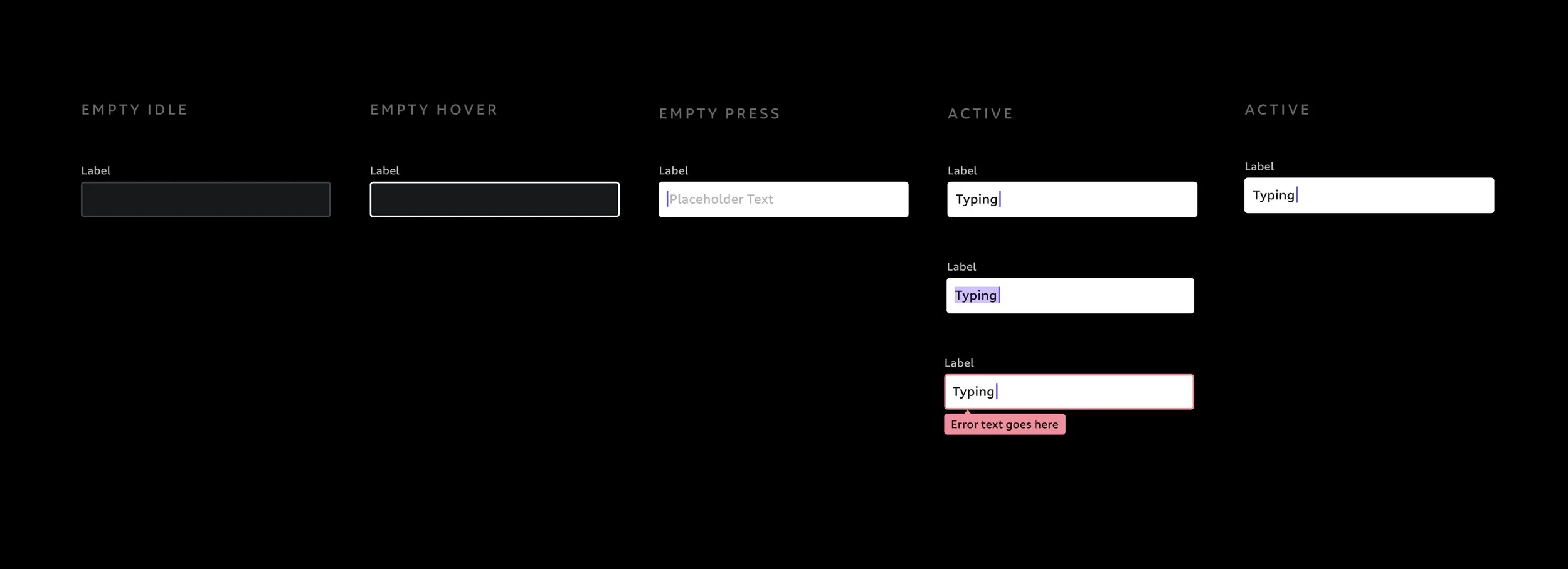
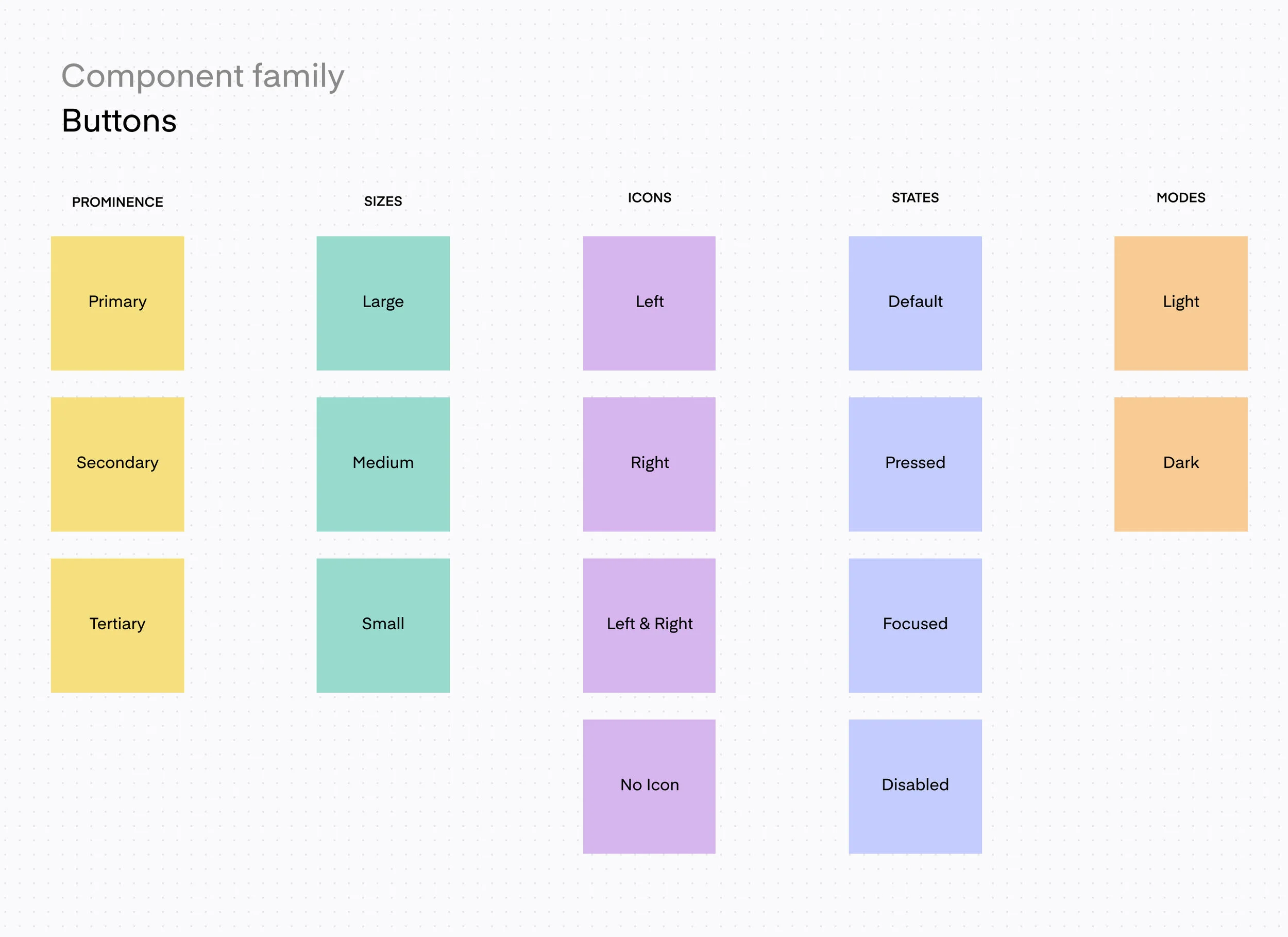
Before starting the design of individual components I used finding from conducting the interface inventory. I carefully considered how components fit in to a larger component family. I mapped out interaction states such as click, hover, loading and error. I also included different levels of prominence and hierarchy. This ensured component flexibility for different context and placement while preserving familiarity and intuitiveness for the user.
Designing Flexible Modules
For the construction of the modules we used 8pt base unit to get every part fit well in to the system. Divisions and multiples of 8 are used in typestyles, icons, spacing and component containers. This is the glue that binds every single element of the system in to a bigger whole. The simplicity and regularity makes it easy to remember and easy to apply correctly
Setting effective visual hierarchy
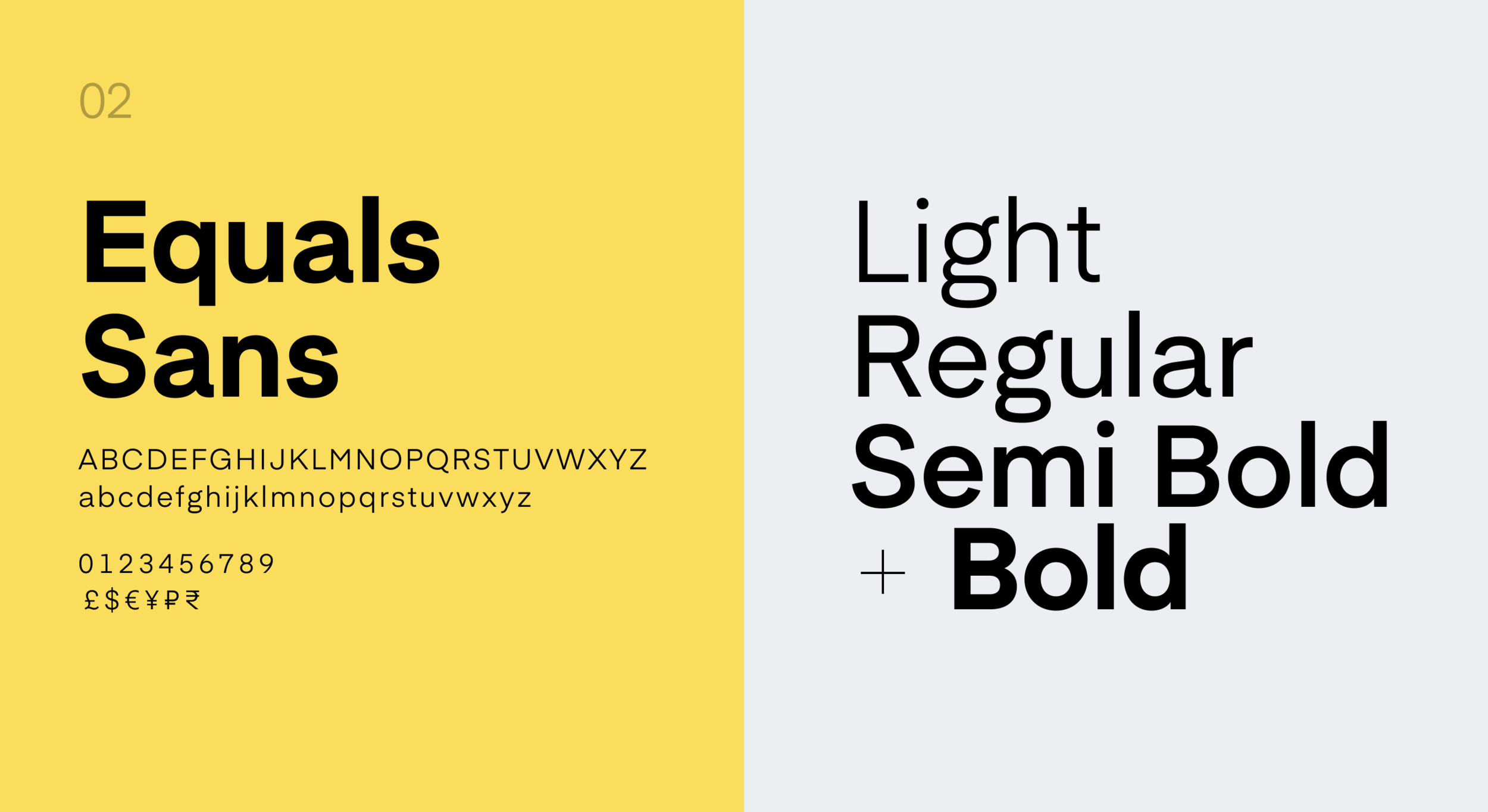
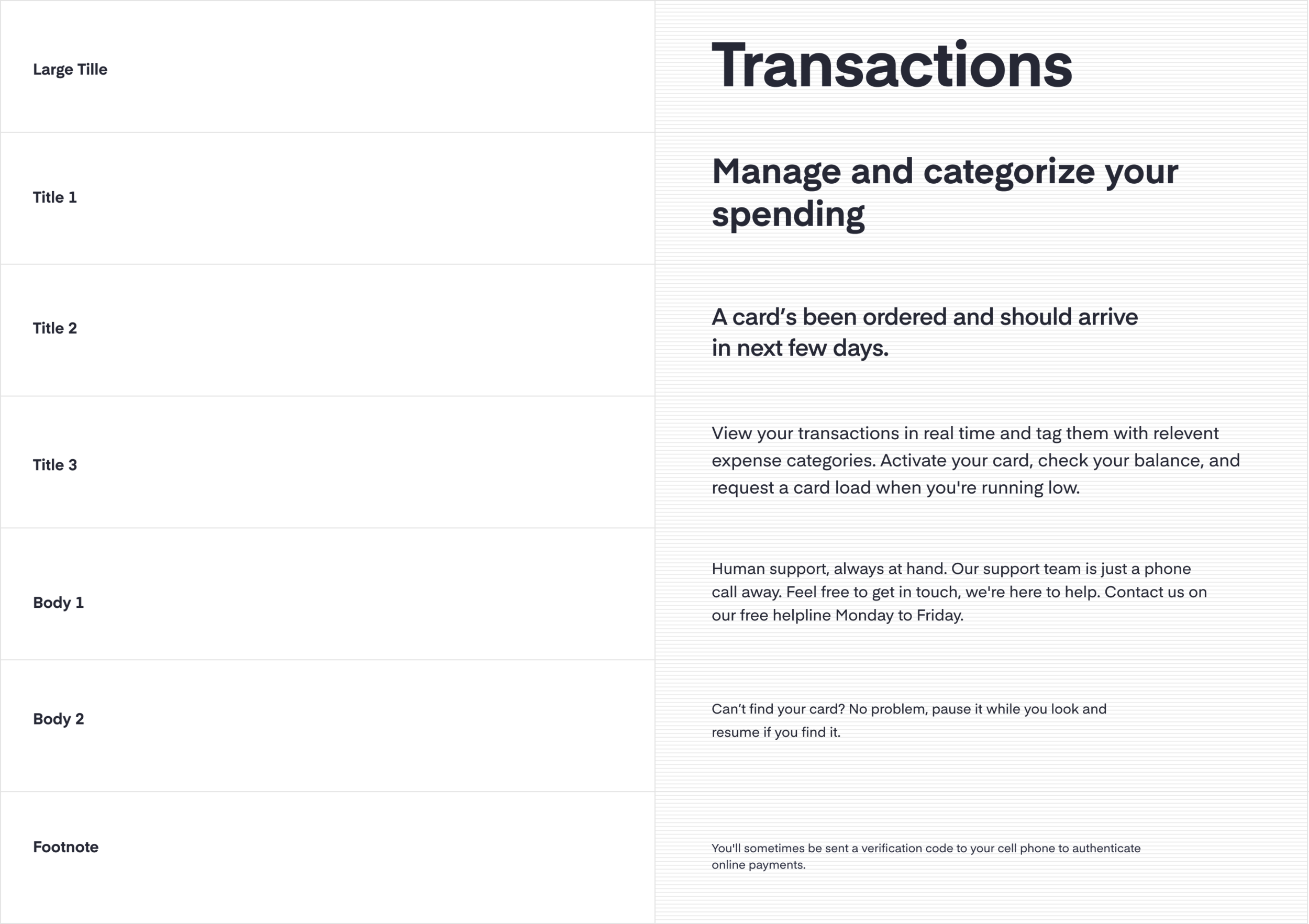
Having a font family with 4 distinctive weights was important for creating effective visual hierarchy across a variety of interaction patterns.
By using a 4pt baseline grid in the type system we were able to easily implement a modular layout that later helped me to organise components like a stack of Lego bricks. The 4pt typographic grid is finer than the 8pt grid used of components. This helps us to fine tune alignment and spacing of small text and icons.
Unifying style and meaning
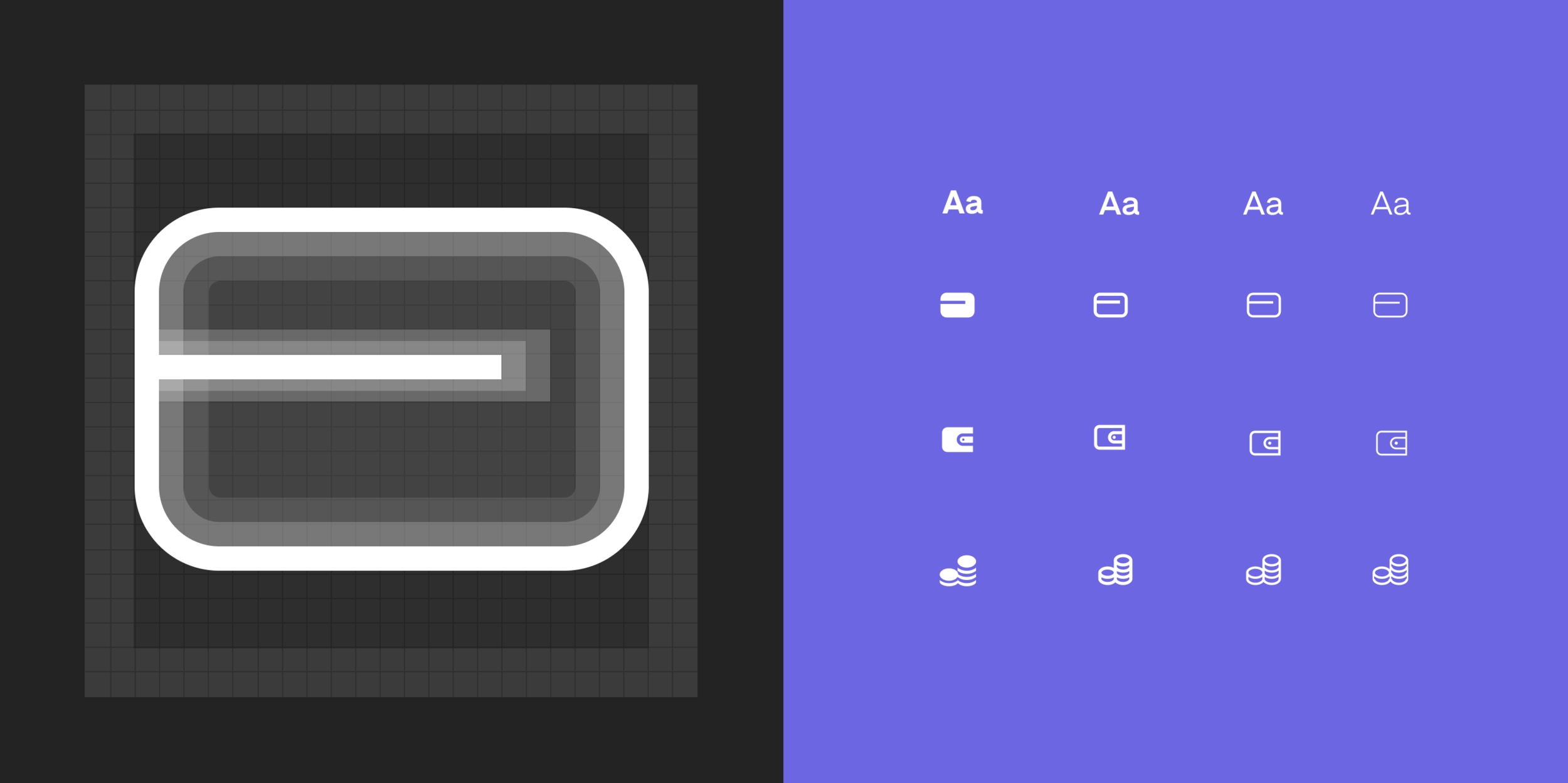
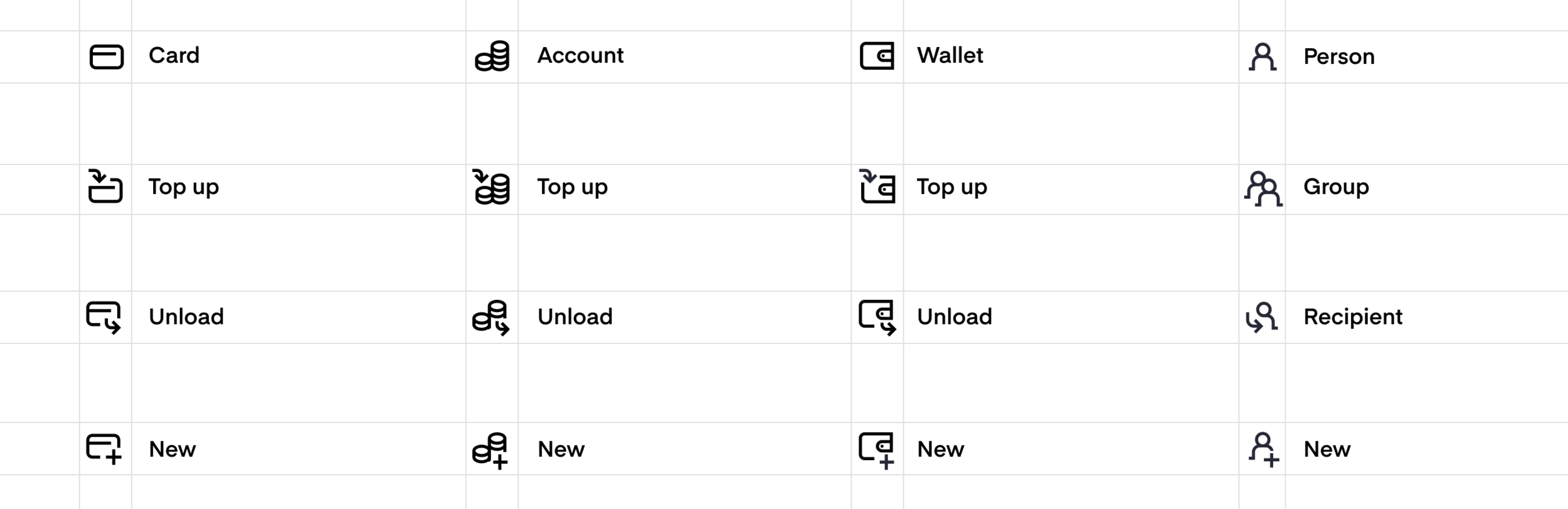
Icon libraries and icon styles had historically been different across each of the products. Originally this seem to make sense, given that most users of the different products have all entirely different contexts. But we realise that a common set of transaction icons with consistent signalling of funds movement would work across every single one of our products. I unified the icon set and extended the original one weight to match our type styles with bold, semibold, regular and light weighs. This would allow us to use icons more effectively as complementary elements to the type system.
Accessibility guidance build in
I organised our colour pallet by specific area of use such as text, backgrounds, interaction, brand graphics ensured the right colour are applied in the right place. This helped us implementing accessibility best practices at the very start of any interface design.
In my time at Google, I worked across 3 different teams on countless projects. As a lead interaction designer, I was responsible for delivering strategy and product design that had a real effect on our metrics. I ran lots of creative working sessions, and mentored many less senior designers.
Flexible modules
For the construction of the components I recommended use of 8pt base unit to get every part fit well in to the system. Divisions and multiples of 8 are used in typestyles, icons, spacing and component containers. This is the glue that binds every single element of the system in to a bigger whole. The simplicity and regularity makes it easy to remember and easy to apply correctly
Modular design with Autolayout
Components made stackable
Reusable interaction patterns and
Our ambition was also to unify frequently occurring interaction patterns such as transaction confirmations, loading states, empty states and error states.
I started compiling reusable patterns as components in platform specific library ready to be adapted and customised. This was an ongoing effort refining the interaction patterns as we went to make sure they were truly universal and worked in different products.
Standardised naming conventions
Any design systems gets quickly disorienting without clear naming conventions. We agreed and maintained standardised naming convention right from the start to keep things in working order. Even more important was to align naming in design files and code. This streamlined our handover and avoided valuable effort being lost or duplicated.
Prototyping micro interactions
I prototyped the more complex component interactions and states in high-fidelity using Principle. Sharing these with the design and development teams helped refined our system and test usability of the components. The high fidelity prototypes became part of handover documentation so no information is lost
Documentation
Shared styles, components and libraries are valuable as long as people are familiar with them. That is why documentation has always been important. The streamline our documentation process, the development team set up internal website referencing live code assets. The design team wrote annotations in to the Figma files. Using Figma live embed feature the files could be then embed in to the internal website.
Testing and refining
Improving collaboration
The teams maintained weekly peer review meetings to evaluate performance and propose improvements. Sort of community meetings with everyone who uses the design system. To share knowledge and make proposals to improve the system